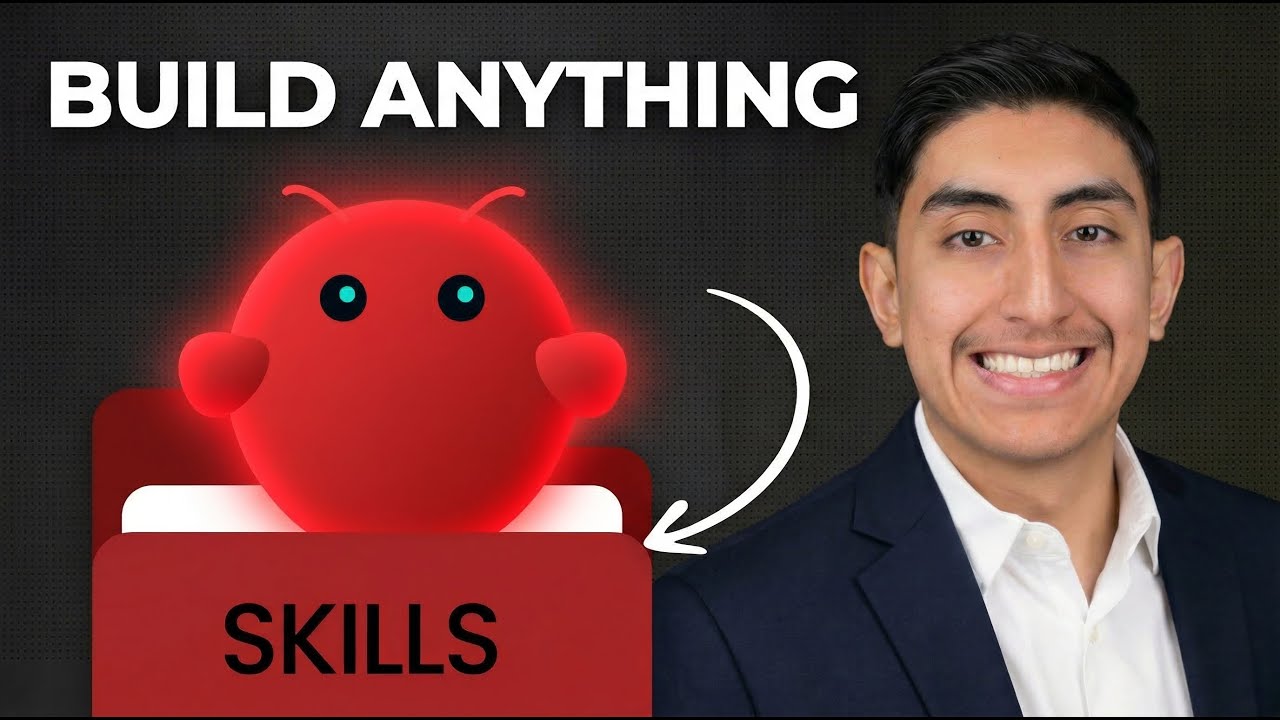
What are Clawdbot Skills?
Hi everyone! I’m Robby. As a software engineer, I love finding ways to make my computer do the boring stuff for me.
Think of your AI assistant like a new employee. A "Skill" is like giving that employee a specific tool to do a job. Without skills, your AI can chat, but it can’t do things. By building skills, we teach our AI how to connect to other apps, read files, or even help us run our YouTube channels.
Why Build Your Own Skills?
When we build custom skills, we turn a basic chatbot into a powerful tool. In this guide, I’ll show you how I built a skill that watches a YouTube link, generates timestamps, and writes an SEO-friendly description automatically.
Step 1: Setting Up Your Workspace
To start, you need to find your OpenClaw skills directory. This is just a folder on your computer where your AI keeps its "instructions."
- Open your code editor (I use VS Code).
- Locate the config files.
- If things don’t start up right away, don't worry! Using "verbose logging" is my favorite way to see exactly what’s going wrong behind the scenes.
Step 2: Coding the Skill
I like to use prompting to build the skeleton of the code.
- Define the goal: Tell the AI you want a tool that grabs a YouTube link and sends it to the Gemini API.
- Connect the API: Make sure your API key is secure. This connects your AI to the smart brain (Gemini) that creates the text.
- Refine the Output: Sometimes the AI adds extra headers or formatting we don't want. This is where "prompt engineering" comes in. We just tell the AI exactly how we want the result to look—clean and simple.
Step 3: Debugging (The Real Fun!)
Building software isn't always smooth. I ran into issues with user recognition and unwanted text headings, and that is totally normal.
If your code breaks, try these tips:
- Read the logs: They tell you exactly where the error is.
- Use GitHub Docs: If you’re stuck, the answers are usually in the documentation.
- Iterate: If the output isn't perfect, just update your prompt and try again. It’s like teaching a student; sometimes you just have to explain it a different way.
Why This Matters for YouTube
If you create content, you know that timestamps and descriptions are tedious. By automating this, I can spend less time typing and more time filming. Plus, adding 3–5 timestamps for videos under 10 minutes is a great way to help people find your content faster.
Final Thoughts
Don't be afraid to experiment. Building AI tools is all about trying, failing, and fixing. Once you build your first skill, you'll start seeing automation opportunities everywhere—like meeting summaries or auto-posting to social media.
What kind of skill are you going to build for your workflow? Let me know in the comments!