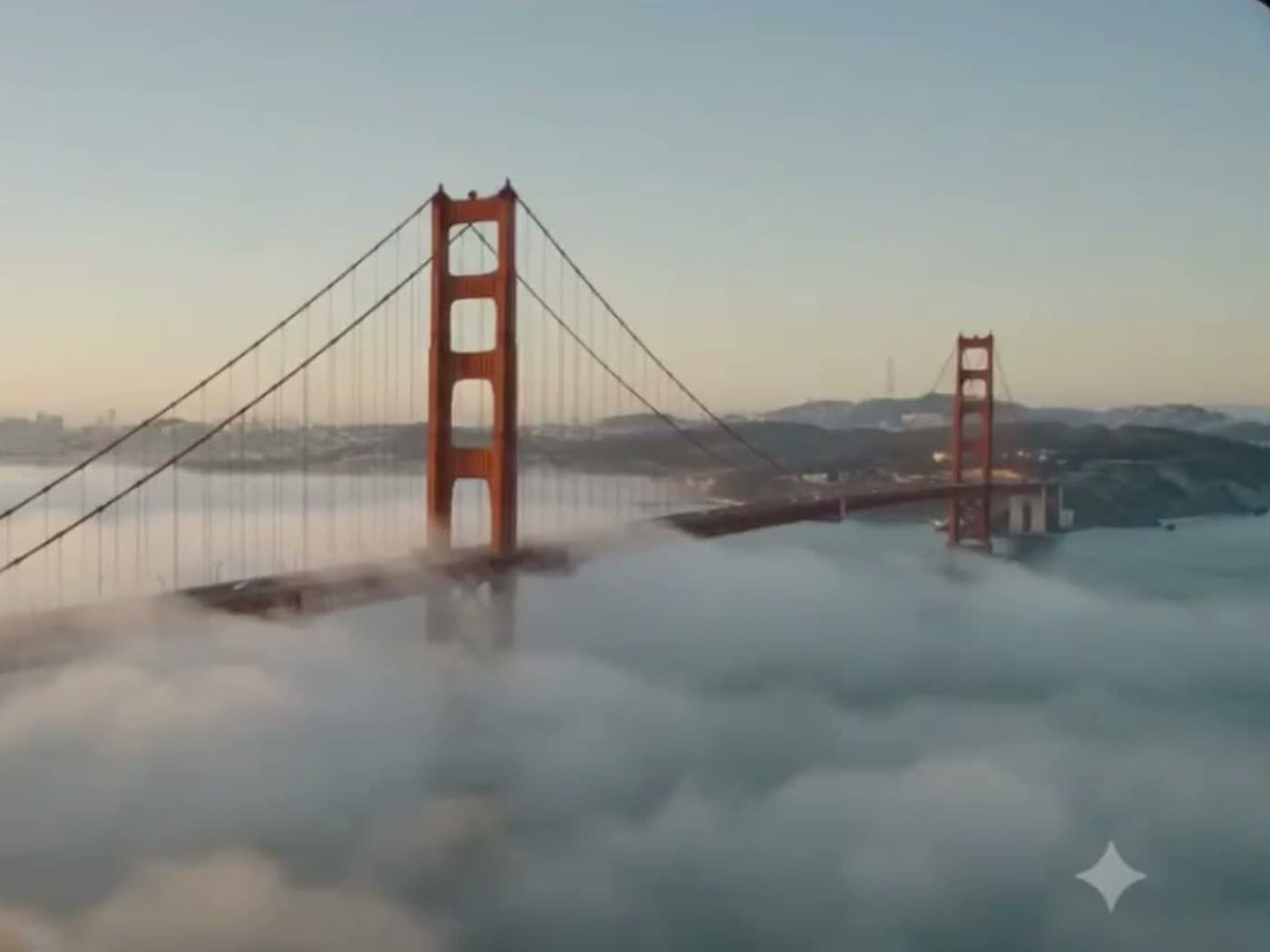
AI video just got a serious upgrade. Google Flow can now generate scenes using real Google Maps Street View data, which means your AI footage actually matches the real world instead of hallucinating a rough approximation of it.
What Changed
Until now, if you asked an AI to generate a video of a famous location, you got the model's best guess. Close, sometimes convincing, but rarely accurate. Buildings in the wrong place. Skylines that do not exist. Landmarks that look almost right.
Google Flow fixes this by connecting video generation directly to Street View. Ask for the Golden Gate Bridge at sunrise or Times Square at night, and the agent pulls the real geography as a reference before it generates the scene.
How It Works
The workflow is simple:
- Open Google Flow and switch to Agent mode.
- Type a specific address or landmark into the prompt.
- The agent references real Street View imagery for that location and generates a video that matches it.
You are not stitching anything together manually. You describe the place, and the tool handles the accuracy for you.
The One Limitation
Right now this only works with Street View locations inside the United States. If the spot you want is not covered by Street View, or it sits outside the US, you fall back to standard generation. Expect that coverage to expand over time, but that is where it stands today.
Why It Matters
Accuracy has been the missing piece in AI video. A beautiful clip that gets the location wrong is useless for anything tied to a real place: travel content, real estate, local marketing, documentary work. Grounding generation in real map data closes that gap. You get the speed of AI with the fidelity of real footage.
If you want a full walkthrough of Google Flow's Agent mode and how to get the most out of it, drop a comment and let me know.