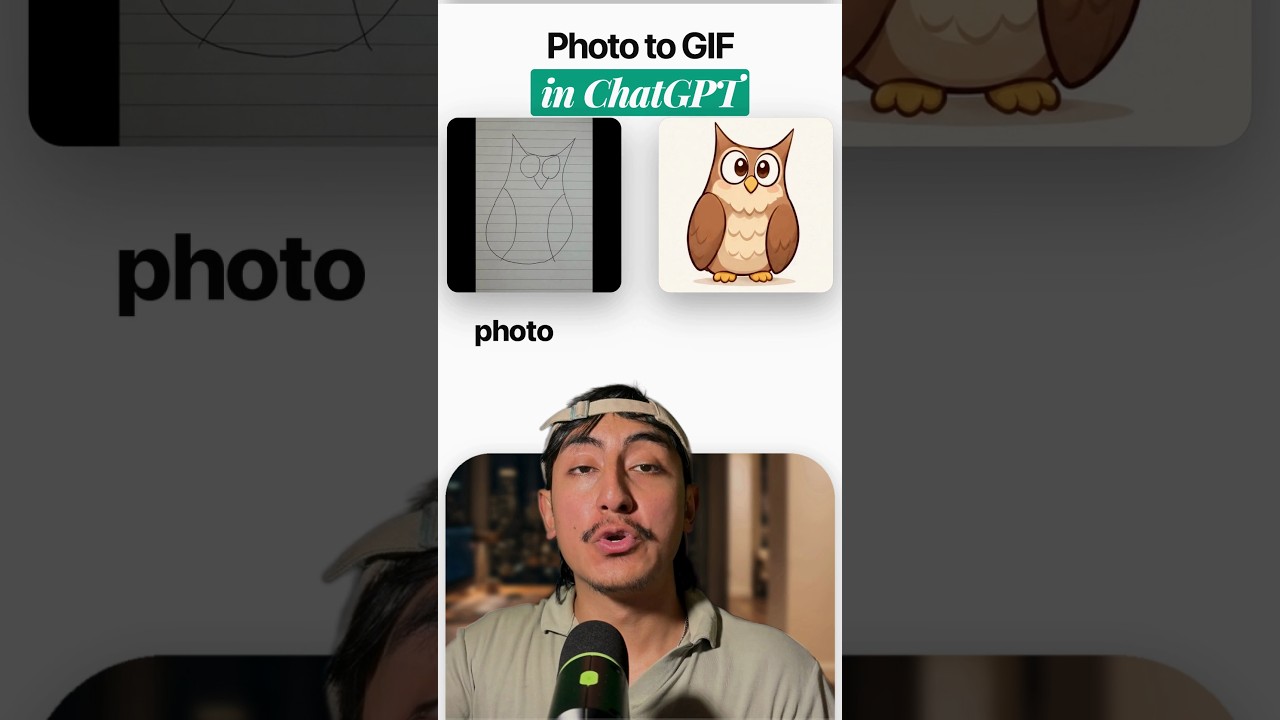
ChatGPT can now turn a photo into a looping GIF, even on the Free plan. OpenAI calls the update Images 2.6, and it launched on November 4, 2026. Here are the three new things and the two catches.
1. GIFs from a prompt or an image
Ask for a dancing cat GIF, or upload a drawing, and ChatGPT animates it. The release notes give the example of uploading a sketch and asking ChatGPT to make the character wave.
After that you can set the playback speed (the menu in the launch video goes from 0.5x to 2x), edit single frames, and share the GIF. If you post memes, stickers or a mascot, you can make the loop right in the chat.
2. Reference images you can reuse
You can keep reference images of yourself, pets and characters ready to reuse, with no need to upload them again. OpenAI's own example card saves a dog as "Wilson". After that, you type Wilson in a new chat and ChatGPT knows who you mean.
3. Faster images, and two API models
OpenAI says Images 2.6 generates images 50% faster than before. In its own side by side test, Flare went from 7.08 seconds to 4.84 seconds on low quality, which the clip itself labels as 46% faster.
In the API there are two models:
- Flare (
gpt-image-2.6-flare) can generate an image in as little as six seconds when quality is set to low. - Sunburst (
gpt-image-2.6-sunburst) is for higher quality and more consistent results across edits on medium or high quality.
Both can export SVG, and image markup, already in ChatGPT, is now in the API too. Pricing for both is $8 per million image input tokens and $30 per million output tokens, the same as the 2.5 models.
The two catches
- GIFs are still rolling out. Images 2.6 is available across all tiers, but the release notes say GIF creation "is rolling out", so you may not see it yet.
- No published limit. OpenAI has not said how many GIFs each plan gets. Nothing in the launch says unlimited.
So open the app and check. For the version this builds on, see ChatGPT Images 2.0: everything you need to know. And for how OpenAI plans to mark its images, read ChatGPT is getting an invisible watermark.
Sources: OpenAI: Introducing Images 2.6, ChatGPT release notes, OpenAI image generation guide
Watch the Short above for the breakdown. If you want the Claude Code skills and workflows I use to automate my content and my business, join the AI Academy community on Skool.