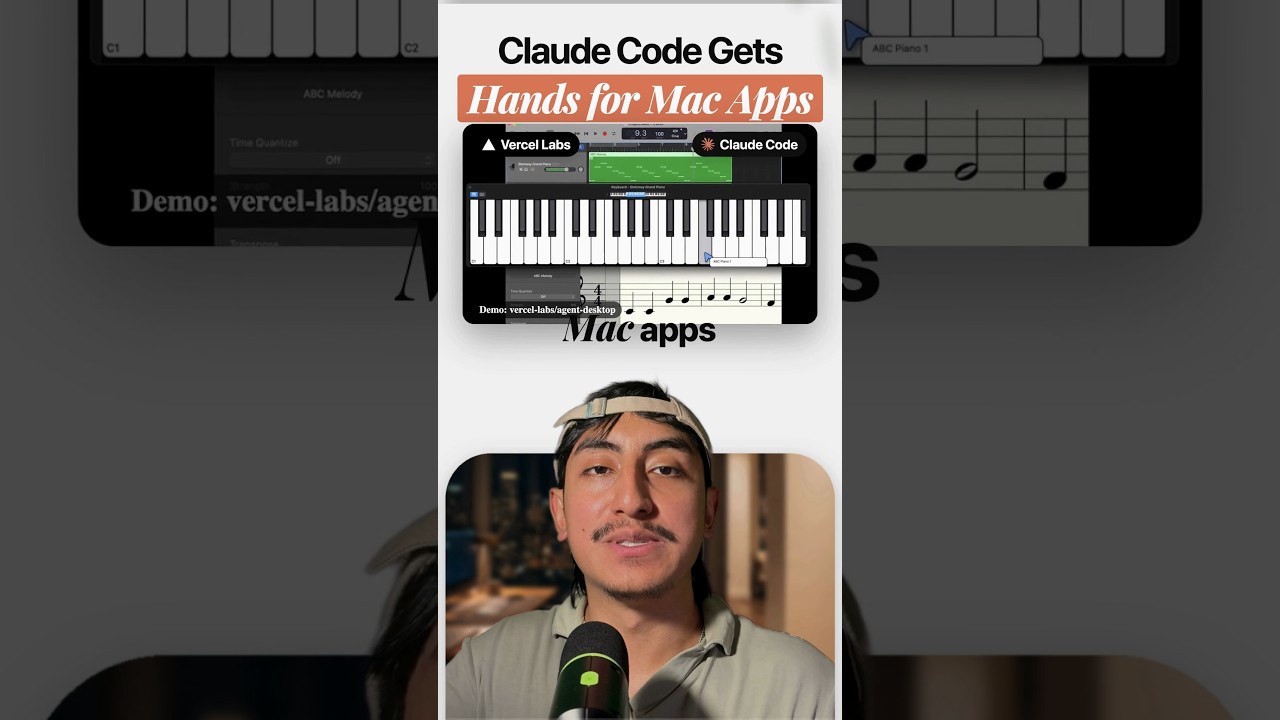
Vercel Labs' agent-desktop gives Claude Code hands for your Mac apps. You can hand it Finder, Notes or GarageBand, and it works with zero screenshots.
Why no screenshots matters
Most computer use works from screenshots. The model looks at a picture of the screen and guesses where to click. agent-desktop reads the app instead of looking at it. The README puts it as "without screenshots or pixel matching".
How it works
It reads the operating system's accessibility tree, the same map of the screen that screen readers use. It returns that tree as JSON and gives every button, menu and text box a ref.
The loop is simple:
- Take a snapshot of an app, for example
snapshot --app Finder -i. - Click a ref, for example
click @s8f3k2p9:e8. - Take a new snapshot and repeat.
The loop lives in your agent. In the README's words, "agent-desktop has no model inside." Claude Code decides what to click, and agent-desktop does the clicking.
It is also headless by default. Ref actions use the accessibility API without moving the pointer or taking focus, so it never steals your mouse while it works.
What it can do
- Parallel agents. The repo demo runs three agents on one GarageBand piano, each with its own cursor.
- Setup in two steps. Run
npm install -g agent-desktop(orbrew install agent-desktop), then grant Accessibility once withagent-desktop permissions --guide. - An MCP server. Version 1.2 shipped on November 5, 2026 with
agent-desktop mcp, so you can add it to Claude Code withclaude mcp add agent-desktop -- agent-desktop mcp. - Free and cross platform. Apache 2.0, with support for macOS, Windows and Linux.
Note that the repo itself is from February 2026. Only version 1.2 is new.
The catch
Apps with a thin or missing accessibility tree stay hard to read. If an app does not expose its buttons to the accessibility API, agent-desktop cannot see them.
Two more things to know. The official demos use Codex and another agent, not Claude Code, although Claude Code can drive it through the shell or the MCP server. And snapshots can capture private content on your desktop, so keep a clean screen when you run it.
So stop pasting screenshots into Claude. For the browser side of the same idea, see Vercel gave AI agents their own browser in the cloud. For how screenshot based computer use scores today, read Gemini 3.6 Flash beats Sonnet 5 at computer use.
Sources: vercel-labs/agent-desktop on GitHub, agent-desktop docs
Watch the Short above for the breakdown. If you want the Claude Code skills and workflows I use to automate my content and my business, join the AI Academy community on Skool.