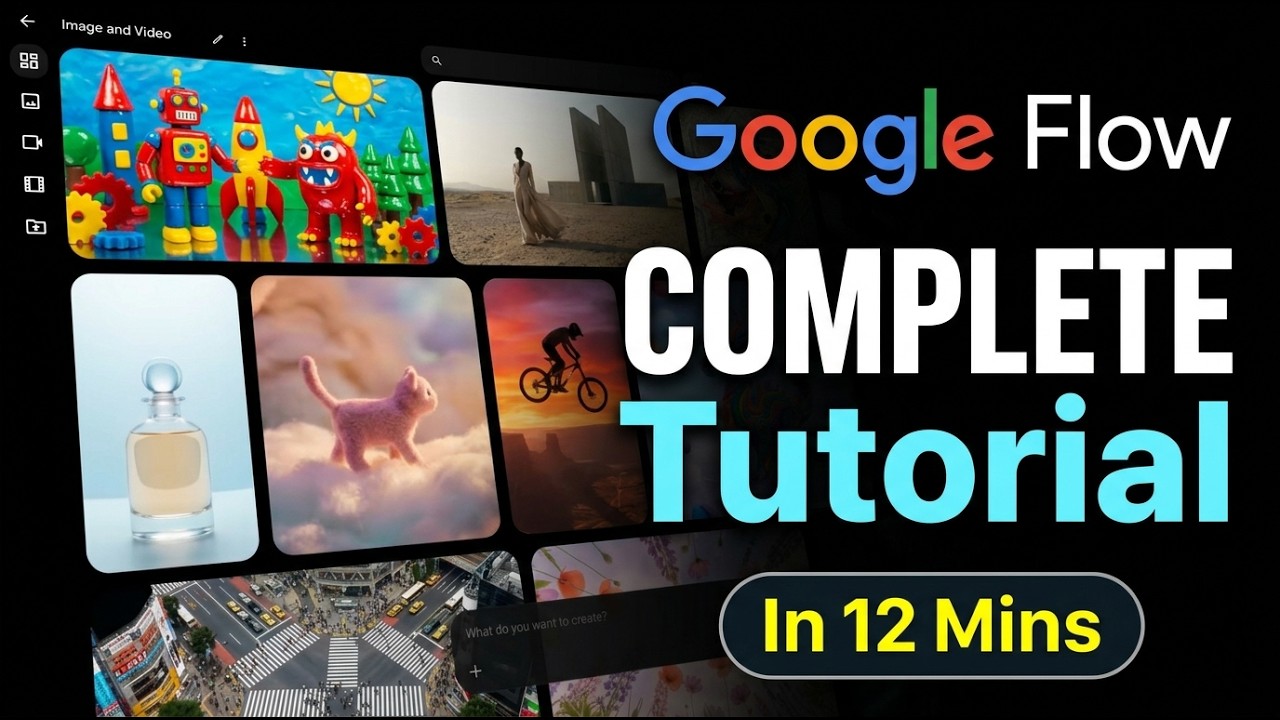
Hi everyone! I’m Robby. As a software engineer, I spend a lot of time testing new AI tools. Today, I want to talk about a huge update to Google Flow that almost nobody is talking about yet. It has completely changed from a simple video tool into a full-blown creative workspace.
What is the New Google Flow?
Think of Google Flow as your new home base for making AI art and videos. Instead of jumping between different apps, you can now do everything in one place. It is packed with new tech that makes creating high-quality content much easier.
Meet Nano Banana 2 and VEO 3.1
The magic happens under the hood with two big upgrades:
- Nano Banana 2: This is the new engine for making high-quality images. It is fast, smart, and creates beautiful results.
- VEO 3.1: Once you have your image, you can use this pipeline to turn it into a video. It’s perfect for bringing your ideas to life.
Why This Tool is a Game Changer
What makes Google Flow stand out? Here are my favorite new features:
- Four Outputs at Once: When you type a prompt, Google Flow gives you four different options to choose from. This is a huge time-saver compared to other tools like Gemini.
- Smart Organization: With the new Collections tool, you can save and sort your projects so they never get lost.
- Precision Editing: Ever wish you could just "erase" something from a photo? The new Lasso Tool lets you remove, add, or change objects in your images with a simple click.
- Camera Controls: You can now add cinematic movement to your videos. Want to zoom in, pull back, or use a dolly shot? You can control exactly how the camera moves.
- Draw-to-Edit: You can draw directly on your images to change specific parts, like changing the color of the sky or even tweaking a facial expression.
Take Control of Your Videos
This update isn't just about making clips; it's about editing them like a pro. You can now extend video clips if they are too short and change the camera position to get the perfect angle. Plus, the built-in audio generation has improved, making your videos sound just as good as they look.
Final Thoughts
If you love making AI art or cinematic videos, you really need to check out these updates. Google Flow is becoming one of the most powerful tools in my workflow because it combines speed, quality, and smart editing in one easy workspace.
Have you tried these new features yet? If you have questions about how to use the Lasso tool or how to set up your first project, drop a comment below and I’ll be happy to help!