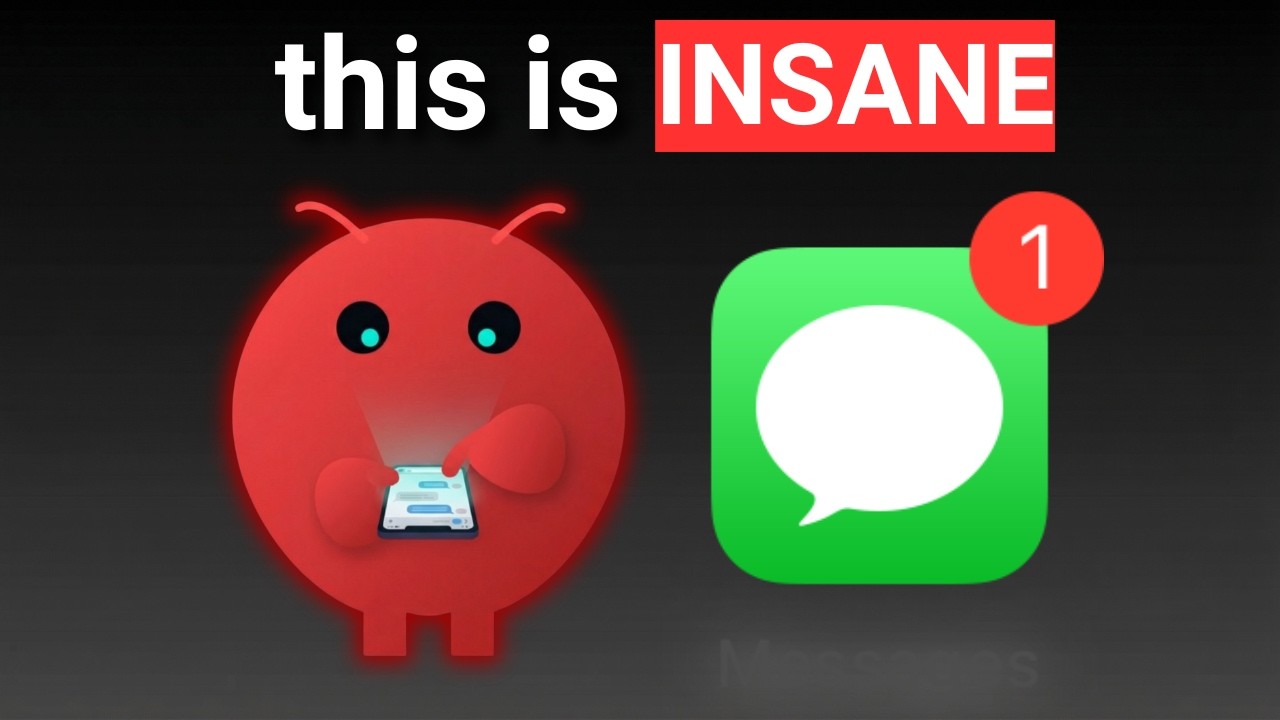
Build Your Own AI Text Assistant
Hi everyone! I’m Robby. I spend my days building AI systems, and today I want to show you something really cool. Have you ever wished your phone could answer texts for you?
I’ve built a way to turn Clawdbot into an auto-responder for your Mac. It uses Google’s Gemini AI to write replies for you. The best part? It’s completely free to set up.
What You Need
To get started, make sure you have:
- A Mac computer.
- The Messages app (iMessage) installed and signed in.
- A little bit of time to follow these steps.
How It Works
This system doesn't just reply to everyone. That would be annoying! Instead, you add specific people to a “watchlist.” When they text you, your Mac sends the message to the Gemini AI, which writes a smart reply based on your conversation history.
Simple Setup Steps
I’ve made this as easy as possible. Here is the high-level roadmap:
- Install the Tools: We use a special tool that lets your Mac talk to the Messages app.
- Get Your Key: You’ll grab a free API key from Google Gemini. This is the “brain” that writes the messages.
- Set Permissions: You need to give your Mac permission to read messages. Don't worry, it's just so the bot can see the texts!
- Configure the Code: You’ll update a file called
watcher.js. This tells the bot to use Gemini instead of other AI models. - Launch: Run the program from your terminal, and you’re live!
Why You’ll Love It
- You’re in Control: You choose who gets an automated reply.
- Smart AI: Since it uses Gemini, the replies feel natural, not robotic.
- Telegram Integration: You can manage the bot and even restart it right from your Telegram app.
A Few Quick Notes
Right now, this works on macOS. I’ve been testing this for weeks to make sure it’s stable, and it works for both blue iMessages and green text messages.
This is the "starter version" of the bot. I’m already working on some advanced features for the future, so keep an eye out for updates.
Ready to start? Head over to the project page, grab the code, and try it out. If you get stuck, leave a comment on the video—I’m happy to help you get it running!