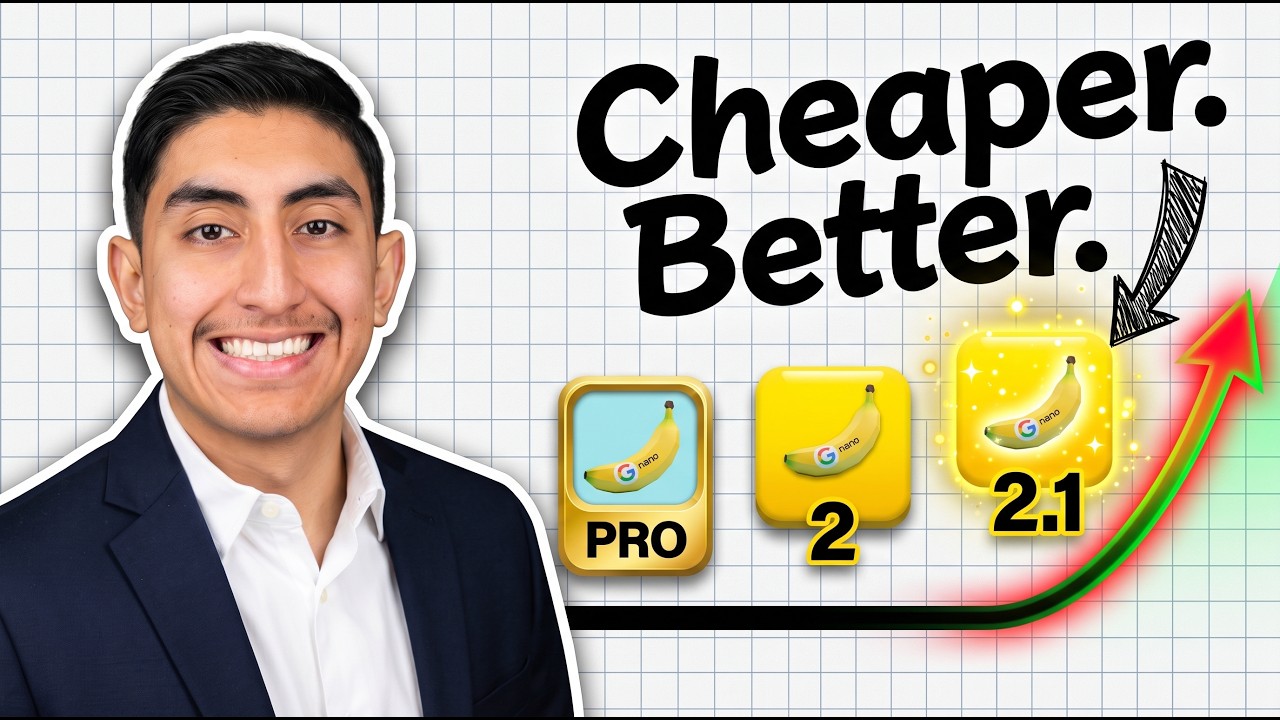
TL;DR: Nano Banana 2.1 (gemini-nano-banana-2.1) costs $0.0336 per 1K image, half of Nano Banana 2, and on Google's own rater tests it beats Nano Banana Pro. I tested it in Flow and Google AI Studio, including every weakness in Google's model card, twice each. Those weaknesses did not show up. What broke: background text, one product color, and dates. On Arena it ranks number 6 for text to image.
Table of Contents
- What Changed, In One Minute
- The Price, And Two Catches
- Test 1: Text And Infographics
- Test 2: The Same Face Across Five Edits
- Test 3: Edit Only One Thing
- Test 4: 14 References In One Image
- Test 5: 8:1 Panoramas And A 4K Banner
- Test 6: Search Grounding And Thinking Levels
- Test 7: The Weakness Gauntlet
- How It Ranks On Arena
- How To Try It
- The Scorecard And The Limits
- My Take
🎬 Watch the full test on YouTube → https://youtu.be/l1jmSBnxE8o
What Changed, In One Minute
Nano Banana 2.1 replaces Nano Banana 2 (Gemini 3.1 Flash Image). Google calls it the more efficient counterpart to Nano Banana Pro. Here is what is new:
- Resolutions: 1K, 2K and 4K (1K is the default).
- Aspect ratios: 15 of them, out to a super wide 8:1 and 1:8.
- References: up to 14 images in one request, with consistency for up to 4 characters and 10 objects.
- Thinking levels: minimal, medium (the default) and high.
- Grounding: it can search Google Web and Google Image Search before it draws.
- Where: the Gemini app, AI Mode in Search, Google AI Studio, Flow, Stitch and Google Ads.
Google tested it with human raters and scored the results with an Elo rating, like chess. These are Google's own raters, not an independent test:
| Benchmark (Google's raters) | Nano Banana 2.1 | Nano Banana 2 | Nano Banana Pro |
|---|---|---|---|
| Overall preference | 1050 | 990 | 935 |
| Multi-character consistency | 1106 | 978 | 1011 |
| Infographic accuracy | 0.521 | 0.179 | 0.265 |
The Price, And Two Catches
API prices per image, from Google's pricing page on 2026-10-10:
| Resolution | Nano Banana 2.1 | Nano Banana 2 | Nano Banana Pro |
|---|---|---|---|
| 1K | $0.0336 | $0.067 | $0.134 |
| 2K | $0.0504 | $0.101 | $0.134 |
| 4K | $0.113 | $0.151 | $0.24 |
1K and 2K are half the price of Nano Banana 2. 4K is about a quarter cheaper, not half. Some launch articles say $0.0756 for 4K, but the live pricing page said $0.113 when I checked. Batch mode cuts every price in half again.
Two catches:
- Input tokens cost 3 times more. They went from $0.50 to $1.50 per million. If your edits send a lot of reference images, run the math on your own token counts.
- Nano Banana 2 shuts down in the API on October 29, 2026. If you build on
gemini-3.1-flash-image, move before then.
Test 1: Text And Infographics
Text used to be the easiest way to spot an AI image, so I counted the mistakes.
- A taco truck menu ("Code Tacos"): 8 items, prices and a one line description each, chalkboard style. Two runs, all 8 items in both, zero spelling errors. Even the pun names were right: Ctrl Alt Carne and Null Pointer Nopal.
- How a bill becomes a law, in 6 steps: both runs got the steps and the order right. Run two had one fact slip: it says only a member of Congress can draft a bill. Anyone can draft one. Only a member can introduce it.
- A newspaper front page about a Mars landing, with three columns of body text. The model card says small text is often blurry at 1K. At 1K, all three columns were readable. I found three slips: "a international crew", "has began", and a made up web address.
At 4K the main article was clean, but the extra newspapers around the edges were full of nonsense words. So small text in the main subject is fine now. Small text in the background is still where it falls apart.
Test 2: The Same Face Across Five Edits
I started with my headshot in Flow and made five edits in a row on the same image: a hoodie at a desk with two monitors, night with neon light, a Pixar style character, back to a real photo holding a coffee, then a magazine cover called BUILD.
My hairline, eyebrows, nose and smile matched the headshot in every realistic step. The room held too: the same shelf, mic and chair in all five images. Two slips: the magazine cover is dated October 2024, and one cover line ends with a stray comma.
Then the multi-character test: me, a silver robot, a chef and a cat in a suit playing poker, then the same four at a karaoke bar. All four stayed in both scenes, my face held, and the cat kept its suit. The chef changed a little, but he had no reference photo.
Test 3: Edit Only One Thing
I gave it a photo of my room and asked it to change only the yellow giraffe toy on the shelf into a small potted cactus. Then I asked it to change only the bed, neatly made with a grey blanket.
To judge it, I made a difference map (black means the pixel did not change). For the cactus edit, 3.9% of the image changed, almost all of it the giraffe. Both edits together came to 14.3%. The faint outlines elsewhere are noise from redrawing the image. Nothing else in the room moved.
Test 4: 14 References In One Image
I gave it 10 product photos: a Shure SM7 mic, a Sony camera, an Apple keyboard, a Logitech mouse, Sony headphones, an IBM mug, a Moleskine notebook, a desk lamp, a SanDisk card and a cactus.
One flat lay of all 10: every object was there, and the IBM, Sony, SanDisk and Logitech logos survived. Three misses: the grey SM7 came out black, the lamp showed only its base and arm, and the small text on the notebook band was garbled.
All 14 at once: me, the robot, the chef and the cat behind a table with all 10 objects. Every person and every object made it in, and my face held next to three made up characters. The mic was black again. It keeps shapes and logos well, but it can still miss an exact color.
Test 5: 8:1 Panoramas And A 4K Banner
Google says it fixed tiling (the repeated pattern you used to get on very wide images) at 8:1 in 2K and 4K. But in AI Studio, when I picked 8:1, the 2K and 4K options were greyed out. 8:1 only worked at 1K for me.
The 1K skyline at sunset had no seams and no repeated buildings. It did blend Midtown and the Brooklyn Bridge into one view you could never see from one spot, but you cannot see where the parts join.
4K does work at 16:9. My channel banner had a clean title, and nonsense code in the background.
Test 6: Search Grounding And Thinking Levels
Grounding, the good result. With search on, I asked for a bar chart of the top 5 models on the Arena text to image leaderboard. Every name and score matched the live board: GPT Image 2.5 Sunburst at 1425, Flare at 1398, GPT Image 2 at 1383, Grok Imagine Image 2.0 at 1334 and MAI Image 2.6 at 1332.
Grounding, the bad result. I asked for tomorrow's weather in Miami on a Thursday night. It drew a clean infographic for Saturday, October 10 (it used the UTC date, so it skipped Friday): 84 and 76 degrees, 60% chance of rain. The real forecast for that Saturday was a high of 88°F, a low of 81°F, and a 21% chance of rain. Check live data before you publish it.
Thinking levels. Same prompt twice: how coffee is made, in 5 steps. High took 22 seconds against 25 on minimal, and it was cleaner, with steps 1 to 5 in order. On minimal, the arrows jumped from step 1 to step 3 and back to step 2. One run each is not a benchmark, but for infographics I would use high.
Test 7: The Weakness Gauntlet
These come straight from the Known Limitations section of Google's model card. I ran each one twice in Flow.
- Left and right: a man with a red cup in his left hand, a blue book in his right, and a clock on the wall to his left. Both runs correct. Pass.
- 3D reasoning: a Rubik's cube with the top face all white, the front all red and the right side all blue. Both runs correct, and that is a real color layout on a solved cube. Pass.
- Mirror: a cat looking into a mirror, with the reflection showing the correct side of its face. Both runs had the cat facing away, the reflection facing us, in the right place. Pass.
- Long text: a poster with a full 50 word paragraph. Both runs, every word right. Pass.
Google wrote these down as weaknesses. I could not make them break.
How It Ranks On Arena
On Arena, real people vote blind between two images. On 2026-10-10:
- Text to image: number 6 at 1328. The top three are all OpenAI, led by GPT Image 2.5 Sunburst at 1425. Its rank spread is 4 to 6, so it is close to a tie with Grok Imagine and Microsoft's MAI Image 2.6 just above it. Nano Banana Pro is at number 16.
- Single image edit: number 6 at 1428 (Pro is number 12 at 1390).
- Multi image edit: number 4 at 1431, the best model that is not from OpenAI.
These scores are still marked preliminary, so they will move. Google's cheap model now beats Google's expensive one. It does not beat OpenAI's best yet.
How To Try It
No code: open Google AI Studio with the model selected, or use it in Flow or the Gemini app. In AI Studio I picked the resolution, the aspect ratio, the thinking level and Google Search for each run. Note that the Gemini API free tier is listed as not available for this model.
API: the model ID is gemini-nano-banana-2.1. This minimal Python call is from Apidog's launch guide (the request goes through the Gemini Interactions API):
from google import genai
import base64

client = genai.Client()  # reads GEMINI_API_KEY
interaction = client.interactions.create(
    model="gemini-nano-banana-2.1",
    input="A taco truck menu called Code Tacos, 8 items with prices, chalkboard style",
    response_format={"type": "image", "mime_type": "image/png",
                     "aspect_ratio": "16:9", "image_size": "2K"},
)
with open("menu.png", "wb") as f:
    f.write(base64.b64decode(interaction.output_image.data))
Two more options from the same guide:
- Follow-up edits: call
createagain with the new instruction andprevious_interaction_id=interaction.id. - Search grounding: add
tools=[{"type": "google_search"}].
If you are new to the API, my Gemini API key guide covers the setup. For how the older Nano Banana Pro compares with ChatGPT's image model, see Nano Banana Pro vs. ChatGPT Image 1.5.
The Scorecard And The Limits
| Test | Result | Note |
|---|---|---|
| Menu and infographic text | Pass | 0 spelling errors in 2 menus, 1 fact slip in 2 infographics |
| Small body text, 1K and 4K | Pass, with slips | 1K readable with 3 slips. 4K background text is nonsense |
| Same face, 5 edits | Pass | Face and room hold. Cover dated "October 2024" |
| 4 characters, one scene | Pass | All 4 in poker and karaoke |
| Edit only one object | Pass | 3.9% of pixels changed |
| 10 objects, one flat lay | Partial | 10/10 present. Grey mic turned black |
| 14 references, one scene | Pass | 4 characters and 10 objects |
| 8:1 panorama | 1K only | No seams at 1K. 2K and 4K not offered at 8:1 |
| Grounded chart and weather | Mixed | Arena chart exact. Weather: wrong day, 4 to 5 degrees too cool |
| Minimal vs high thinking | Pass | High is cleaner |
| Left and right, Rubik's cube, mirror, 50 word paragraph | Pass | 2/2 each |
The limits I hit: background text is still nonsense, exact product colors can drift, dates are weak (the 2024 magazine, the UTC weather day), and grounded live data is a rough guess. Heavy reference edits cost more than before, because input tokens are 3 times the price. Every image carries Google's invisible SynthID watermark. And each test was one or two runs, not a benchmark.
My Take
If you make thumbnails, infographics or product shots, or you edit the same character again and again, this is the image model I would use right now, and it costs less than the one it replaces. If you build on Nano Banana 2, move before October 29. If you need perfect small text or exact product colors, check every output.
🎓 The exact prompts I used, and help wiring image models into your own workflows, are in my community → https://www.skool.com/ai-academy-with-robby-6849/about
Sources: Nano Banana 2.1 model card, Gemini API model page, Gemini API pricing, Gemini API deprecations, Google launch post, Arena text to image leaderboard, Arena single image edit, Arena multi image edit, The Decoder, Apidog API guide, Open-Meteo