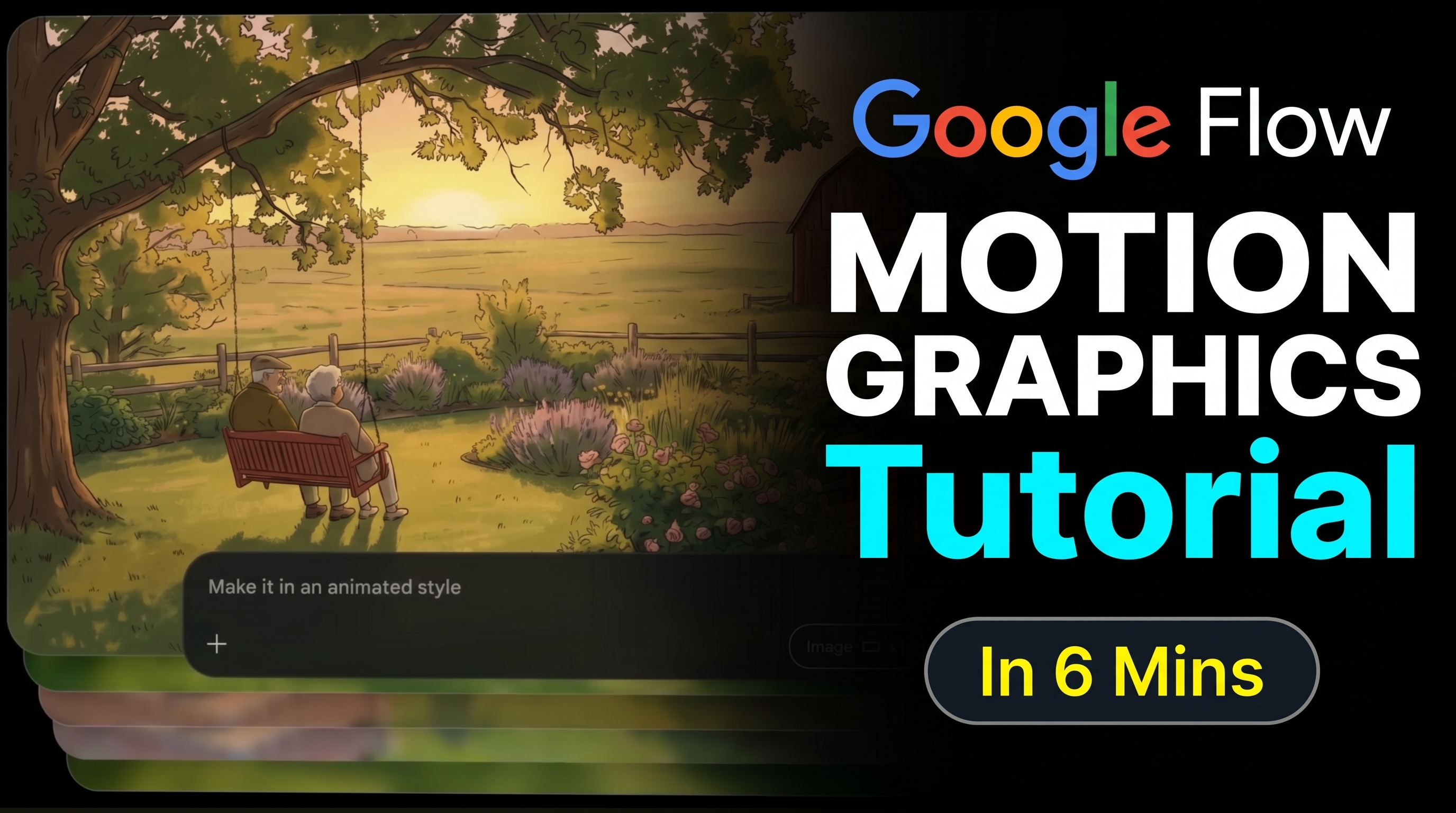
Turn Your Pictures into Movies
Hi! I’m Robby. As a software engineer, I spend a lot of time building AI systems. Sometimes, I want to make cool videos without spending hours on complex editing software. That’s where Google AI Creative Studio Flow comes in.
Today, I’m going to show you how to use this tool to turn a simple image into a professional video. It’s like magic for your computer!
What You Will Need
To get started, you’ll be using two amazing AI models:
- Nano Banana 2: This helps create the look and feel of your graphic.
- Veo 3.1: This is the engine that brings movement to your image.
How to Create Your First Video
Follow these simple steps to go from a static photo to a moving clip:
- Start with a Base Image: Upload a high-quality picture to the Flow studio.
- Add Movement: Use Veo 3.1 to tell the AI how you want your image to move. You don’t need to be an animator to make this look great!
- Sync the Audio: You can add sounds that match what is happening on the screen.
- Extend Your Clips: Need the video to be a little longer? The AI can add more frames to keep the action going.
- Export: Once you are happy, click the export button to save your masterpiece.
Pro-Tips for Success
- Manage Your Credits: You get a set amount of credits to use the AI tools. Don't waste them on experiments! Always have a clear plan for your video before you hit generate.
- Be Specific: When using AI models, the more details you provide, the better the final result will look.
- Experiment: Don't be afraid to try different styles. That is how you learn what works best.
Making motion graphics used to take a whole team of people, but now, you can do it right from your desk. Give it a try and see what you can create!