TL;DR: NotebookLM is now called Gemini Notebook, and the old address redirects to notebook.google.com. The name is the least interesting part. This is a closed retrieval system, not a chatbot: it treats the files you upload as the entire universe of truth, it tells you when a fact is missing instead of guessing, and it puts a clickable citation on nearly every sentence. I recorded the whole app on a Pro account. Below is the written version, including the four storage limits, how the energy style usage meter really works, all nine Studio generators, and the pricing formula I use for client portals.
Table of Contents
- What Changed in the Rebrand
- Why a Closed System Beats a Chatbot Here
- The Dashboard and the Settings Menu
- The Four Storage Limits
- Usage: The Energy Bar Nobody Explains
- Every Way to Get Sources In
- Your First Grounded Chat
- Citations: The Feature That Earns Your Trust
- Source Filtering: 37 Sources Down to 2
- The Nine Studio Generators
- Audio Overviews: The Two Host Podcast
- Notes, and Turning a Note Into a Source
- Privacy: What Google Says About Training
- Pricing a Client Knowledge Portal
- Frequently Asked Questions (FAQ)
- Conclusion and Next Steps
🎬 Watch the full course on YouTube → https://youtu.be/7Ao0UHotRpk
🎓 Every template, prompt pack, and source structure from the course is in my community → https://www.skool.com/ai-academy-with-robby-6849/about
What Changed in the Rebrand
NotebookLM started as Google's experimental incubator product out of Google Labs. It is now officially Gemini Notebook, and the old address redirects to notebook.google.com. Your notebooks, sources, and generated artifacts are all still there.
The product did not get watered down in the move. It got the opposite: a Studio panel with nine generators, an in app research bar, and a usage meter that finally explains itself.
Why a Closed System Beats a Chatbot Here
A general model like ChatGPT, the standard Gemini app, or Claude pulls from enormous opaque training weights. That makes it creative, and it also makes it prone to inventing things that sound right.
Gemini Notebook is a closed retrieval system. Your uploaded sources are the entire universe of truth. If a fact is not in them, it does not guess. It tells you the information is missing.
That single behavior is the whole reason to use this for client work, research, and onboarding material. You are not asking the internet. You are asking your own files, and you can check the answer in one click.
The Dashboard and the Settings Menu
Four filter chips run across the top:
- All, the complete archive of your notebooks.
- My notebooks, the ones you created.
- Discover, curated public notebooks from notable authors.
- Collections, related notebooks grouped into client or project folders.
The toolbar beside them holds search, a grid and list toggle, a Most recent sort dropdown, and the black Create new button.
The settings dropdown, top to bottom: Gemini Notebook help, Send feedback, Discord, Output language, Notifications, Remove watermarks, Licenses, Device, and Manage subscription. Two are worth knowing about. Remove watermarks is for Pro users making client facing exports. Output language carries over 50 languages. Light mode and dark mode live under Device, not at the top level.
The Four Storage Limits
These are the numbers to design around on a standard account:
| Limit | Value |
|---|---|
| Sources per notebook | 50 |
| Words in a single source | 500,000 |
| File size | 200 MB |
| Words across the whole notebook | 25 million |
That is generous. Most AI tools choke on a single 100 page book. One Gemini Notebook can hold a company's guides, manuals, and notes in one place. When you pass 50 sources, do not cram. Split the topic into several notebooks and group them in a Collection.
Usage: The Energy Bar Nobody Explains
Capacity is the size of the backpack. Usage is your energy bar. They are different things, and only one of them resets.
- Cost is dynamic. A simple question costs almost nothing. An audio Deep Dive, a slide deck, or a video costs a lot more.
- Energy refills every five hours, alongside a weekly limit. You are not waiting a full day.
- Pro accounts get four times the energy of a standard account.
- Finish later is the underrated one. Run out mid job and you can tell it to finish later. It builds the file when your energy refills and notifies you.
- Check the live bar and the countdown clock under Settings then Usage.
Every Way to Get Sources In
The Add sources modal gives you five buttons: Upload files, Websites, Drive, Play Books, and Copy text. A web research bar with Web and Fast Research sits above them.
- PDFs. Upload one and it lands in the sources panel with its own checkbox. The notebook then titles itself from the document, writes a summary, and suggests three questions. No prompting.
- Google Docs. Pick the native Doc and the source refreshes in one click when the Doc changes in Drive.
- Google Slides. Slide text plus presenter notes.
- PDF OCR. Multi column layouts, tables, and scanned text parse without breaking the format.
- Websites. Paste a clean article or documentation URL and the page is stripped to text.
- YouTube. Paste a public URL and the captions are indexed, so you can chat with a 20 minute video like a document. The catch: the video must already have captions.
- Audio. Drop in an mp3 of a kickoff call and it becomes searchable grounded text, so voice memos and Zoom recaps become queryable sources.
- Play Books. Pull purchased ebooks straight in.
- In app research. Type a query into the box that says search the web for new sources, and Fast Research returns ranked results with a one click import. The research never leaves the notebook.
Your First Grounded Chat
With 37 technical documents loaded, I asked it to summarize the core recommendations across every source into a three part framework.
The composer flips to Responding while it reads across all 37 documents. That is live synthesis, not a canned answer. The finished reply carries a collapsible Thoughts trace above it, and the body is clean structured markdown with a numbered citation chip after nearly every sentence. The placeholder reads ask a question or create something, and the right edge shows the live source count.
Citations: The Feature That Earns Your Trust
Click a citation chip and the left panel switches to the exact document. The cited passage is highlighted in the source text, and a hover card quotes it with a view source link.
This is the most important part of the product. You never want to blindly trust an AI summary, and here you do not have to. Verification takes about a second.
Source Filtering: 37 Sources Down to 2
Uncheck Select all and every checkbox clears. Recheck two sources and watch the proof at the bottom of the screen: the composer counter drops from 37 sources to 2 sources. Ask your question and the answer references only those two and ignores the other 35.
That is how you stop a big notebook from blending a client's contract with somebody else's playbook.
The Nine Studio Generators
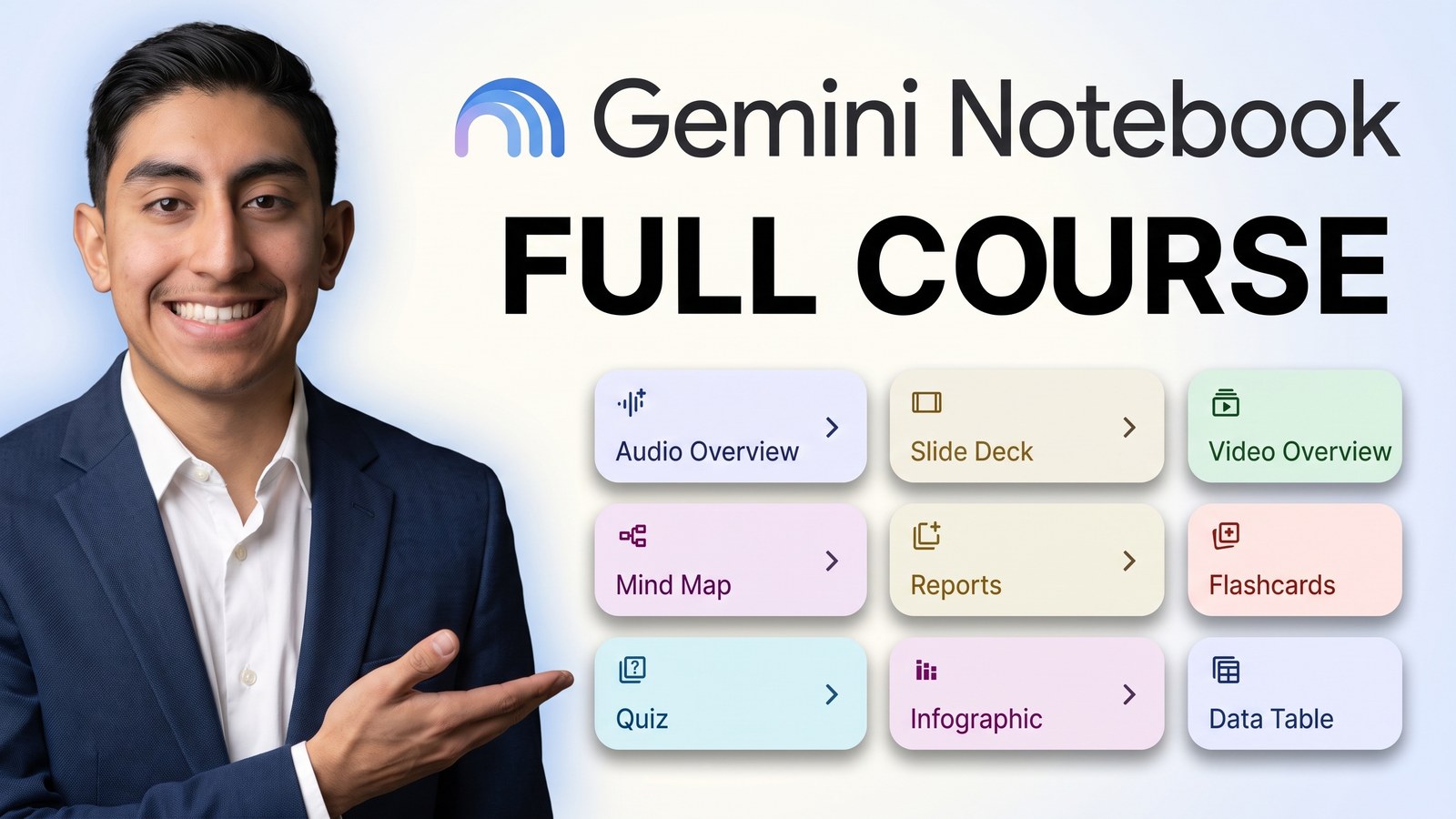
The Studio panel on the right holds nine cards: Audio Overview, Slide Deck, Video Overview, Mind Map, Reports, Flashcards, Quiz, Infographic, and Data Table.
- Reports produced a briefing document against all 37 sources in about half a minute, with an executive summary, critical takeaways, and themed analysis. The header carries a view prompt control and a sources chip, and the footer has good report and bad report feedback. The same panel writes FAQs and study guides, and every claim inherits the same grounding.
- Flashcards open a small customization dialog first: number of cards, difficulty, a topic box, and suggestion chips. Mine generated a 60 card deck. Press space to flip, score yourself right or wrong, and hit the explanation button when you want the reasoning.
- Quiz uses the same dialog and produced a 10 question multiple choice exam with four options, a hint control, and next navigation. Good for training and onboarding tests.
- Mind Map builds an interactive node canvas. The central node fans out into branches, chevrons expand two levels deep, and there are zoom controls and a download button. The bonus behavior: clicking a node label fires a grounded chat question about that branch, so the map is a navigation device for the chat, not just a picture.
- Infographic and Data Table cover visual summary cards for distribution and structured tables pulled straight from the sources.
Audio Overviews: The Two Host Podcast
Click Audio Overview and the dialog offers four formats:
- Deep Dive, a lively conversation between two hosts connecting topics in your sources.
- Brief, a short overview of the core ideas.
- Critique, an expert review with constructive feedback on your material.
- Debate, two hosts arguing different perspectives on your sources.
You also pick a language from over 50 options and a length of short, default, or long. Hit generate and the rail shows generating audio overview, come back in a few minutes. A 37 source episode takes a while.
Mine came back as a 21 minute 36 second Deep Dive. The docked player has play and pause, a 10 second skip both ways, and a speed control. The artifact row also carries an Interactive button that drops you into the conversation with the two hosts in real time.
You can steer it. Give the generator a prompt like focus on the onboarding timeline and the pricing rules, explain it for a non technical small business owner, keep the tone practical. Suggestion chips under the prompt are generated from your own sources and regenerate as you type. The hosts then speak to the audience you named.
Notes, and Turning a Note Into a Source
Save to note under any answer drops that response onto the Studio rail as a note card with an auto generated title. Add note opens a real editor: undo and redo, heading styles, bold, italic, link, inline code, code blocks, lists, block quote, divider, and clear formatting. Rename the note by clicking its title.
The powerful part is Convert to source. The note jumps into the sources panel as a new checked source and the composer counter ticks up by one. Draft with the AI, edit it into your own voice, convert it, and every future chat can cite your own synthesized thinking.
Privacy: What Google Says About Training
Google states it does not use your notebook sources, queries, or responses to train Gemini models. Enterprise and education tiers carry the compliance story on top of that.
That is the line that makes a client conversation possible. It is also the line to point at when somebody asks why you are putting their contracts into an AI tool.
Pricing a Client Knowledge Portal
This part is my opinion, not a product feature. It is how I structure the conversation.
- The feature: a 50 source client knowledge portal with audio onboarding episodes.
- The time saved: onboarding drops from 20 manager hours to 4 per hire, so 16 hours saved each time.
- The volume: 10 hires a year means 160 manager hours reclaimed.
- The value: at $75 an hour, that is $12,000 a year in direct payroll efficiency.
- The proposal: $4,500 as a one time ingestion and tuning fee, plus $500 a month for maintenance.
One caveat, and it matters. This assumes the client has organized files to begin with. If their Drive is a pile of duplicates and broken permissions, your notebook will faithfully summarize that mess. Price against their real data readiness.
Frequently Asked Questions (FAQ)
Is NotebookLM gone? No. It is the same product under a new name. The old address redirects to notebook.google.com.
How many sources can one notebook hold? 50 on a standard account, with 500,000 words per source, 200 MB per file, and 25 million words across the notebook.
Why will it not answer my question? Because the answer is not in your sources. It refuses to guess, which is the entire point. Add the source, or uncheck the filters you forgot you set.
Do YouTube videos work? Yes, if the video already has captions. Gemini Notebook indexes the caption transcript.
How long does an audio overview take? A small notebook is quick. My 37 source Deep Dive took several minutes and came back at 21 minutes 36 seconds of audio.
Does Google train on my files? Google states it does not use your notebook sources, queries, or responses to train Gemini models.
Can it work in another language? Yes. Output language covers more than 50 languages, and audio overviews have their own language picker.
Conclusion and Next Steps
If you build one thing out of the whole course, build the grounded knowledge portal. One notebook, anchored strictly to your own verified contracts, manuals, and files, where every answer carries a citation you can click.
That is the thing an open chatbot cannot do, and it is the only version of this that a client will trust.
🎬 The full course is on YouTube → https://youtu.be/7Ao0UHotRpk
🎓 The templates, prompt packs, and source structures are in my community → https://www.skool.com/ai-academy-with-robby-6849/about