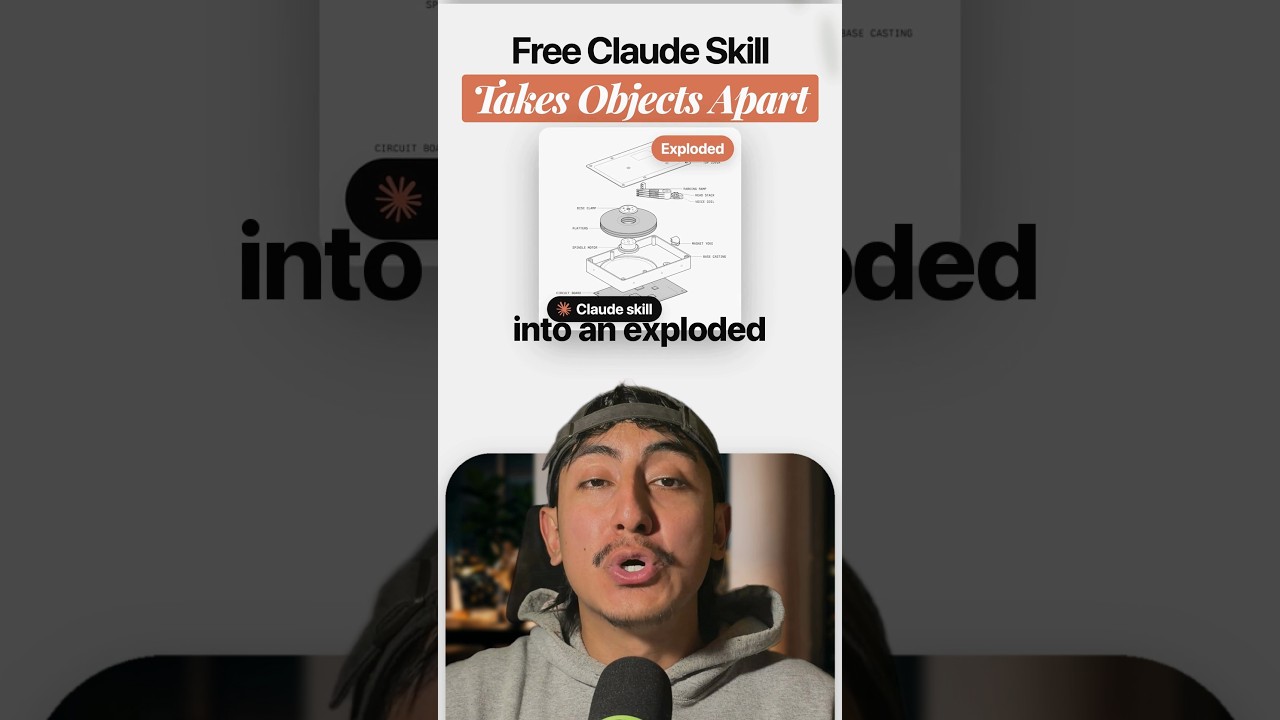
A free Claude skill turns any object into an exploded technical drawing. So if you ever have to explain how something works, you can show it instead.
What it is
The skill is called Teardown, by Jakub Krehel. It first appeared in his skills repo as /technical-drawing on October 11, 2026, and he renamed it and posted it as Teardown on October 25.
Its SKILL.md says it creates technical illustrations of physical objects and of how things work.
How it works
You give it one of these:
- a photo
- a description
- a CAD model
It builds the drawing and opens a local page with the result. In the author's demo, a hard drive splits into its parts: top cover, platters, spindle motor and circuit board. Every part gets a label.
The viewer
The local page gives you a few controls:
- Assembled or exploded. One switch flips the object between the two views.
- Colors. You can color each part on its own.
- Annotations. You can turn the labels on or off.
- Export. Download the result as SVG, PNG or PDF.
The catch
The parts inside are guessed, unless you give it CAD files or real drawings. A hidden part in a photo is an illustration, not a measurement. The SKILL.md says it plainly: "It is not a manufacturing drawing: nothing is toleranced, and invented dimensions stay invented."
So use it to explain things, not to make parts.
Install
It is free and MIT licensed. One command installs it in Claude Code:
npx skills add jakubkrehel/skills
It runs locally, and it needs no API key beyond your Claude plan. Note that the 9.7k stars on the repo are for the whole skills pack, not for Teardown alone.
So pick anything on your desk and take it apart. For another free skill that makes visuals from Claude Code, see This Claude Code skill turns ideas into visuals. If you want to build a skill like this yourself, read How to build a Claude skill in 60 seconds.
Sources: Teardown skill on GitHub, Jakub Krehel's launch post on X
Watch the Short above for the breakdown. If you want the Claude Code skills and workflows I use to automate my content and my business, join the AI Academy community on Skool.