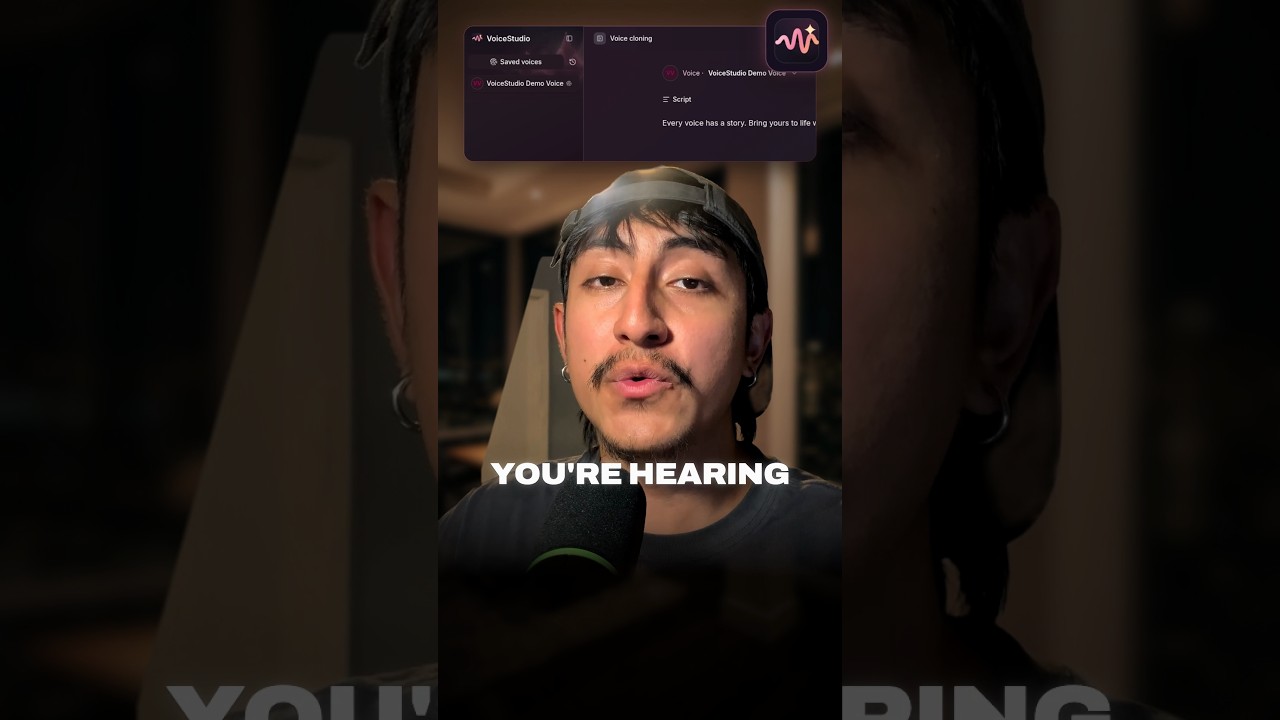
The voice at the start of my video is not mine. I never said that line, I did not pay for it, and the audio never left my laptop. I made it with VoiceStudio, an open source voice app that runs on your own hardware.
When I recorded the video, the VoiceStudio repo had over 77,000 stars on GitHub. As I write this it is at about 89,000. The app is licensed AGPL-3.0, and the repo describes it as voice cloning, voice design, video dubbing, dictation, transcription and audiobook creation in 646 languages.
Step 1: install it with one command
On macOS and Linux, the README gives a single install command:
curl -fsSL https://voicestudio.sh/install | sh
Windows gets a PowerShell command in the same "Get started" section of the README. There is also a desktop download on voicestudio.sh if you do not want to touch a terminal.
Step 2: open Voice cloning and add three seconds of audio
Open the Voice cloning workspace, add a short reference clip, and type the text you want spoken. The official site says "three seconds of clean audio is usually enough." Clean is the key word. A quiet room and a clear recording matter more than length.
Step 3: hit Synthesize audio
The first run downloads the model. The project's MCP docs give the OmniVoice model download as about 2.3 GB. After that it runs locally. The README hardware table lists CUDA on NVIDIA GPUs and Metal on Apple Silicon, and for machines with no dedicated GPU it says the app is "fully usable on the CPU, slower."
It is more than cloning
Cloning is the headline, but three other features are why I think the repo took off:
- Video dubbing. The site says it will "transcribe, translate, and re-voice a video," keep each speaker separate, and line the timing up with the original. So a video can talk in Spanish, German or Hindi.
- Voice design. Describe a voice in a sentence (gender, age, accent, pitch, emotion) and it builds one. No reference audio needed.
- 646 languages. That number comes from the README and the repo description.
Claude Code can talk in your voice
This is the part I care about most. VoiceStudio ships an MCP server so agents like Claude Code and Cursor can generate speech, clone voices, transcribe audio and list your voices, all locally. Under Integrations, the app exports a ready made config for Claude Code (.mcp.json). You can even bind each agent to a different voice profile. If you want more on giving agents a voice, I also covered Fish Audio S2.1 Pro, which is a hosted API instead of a local app.
The limits
- Consent. The README says it plainly: "Clone voices only with permission." I cloned my own voice for the video. Do the same, or use the built in voice design.
- Licensing. The desktop app is AGPL-3.0. The README also notes that model weights, voices and generated output have their own conditions, and that a paid app licence does not grant those rights. There is a separate closed source Pro and Lifetime build for commercial teams. Read the license section before you use it in a product.
- Speed. It runs on a CPU, but slower. A GPU or Apple Silicon makes it practical for long scripts.
- Stale numbers. The official site still shows "50,000 GitHub stars." The live GitHub count is much higher, so trust the repo.
My take
For most creators, the cloud voice tools are about convenience. VoiceStudio removes the two things I like least about them: the usage meter and sending my raw voice to someone else's server. The MCP server is the real bonus. It turns a voice app into something your agent can call. I wrote about an older local option, VoiceBox, earlier this year, and VoiceStudio covers a lot more ground.
Watch the short above to hear the cloned voice yourself. If you want the Claude Code skills and AI tools I use to automate my content, they are inside my AI Academy community on Skool.
Sources: VoiceStudio on GitHub, VoiceStudio MCP docs and voicestudio.sh