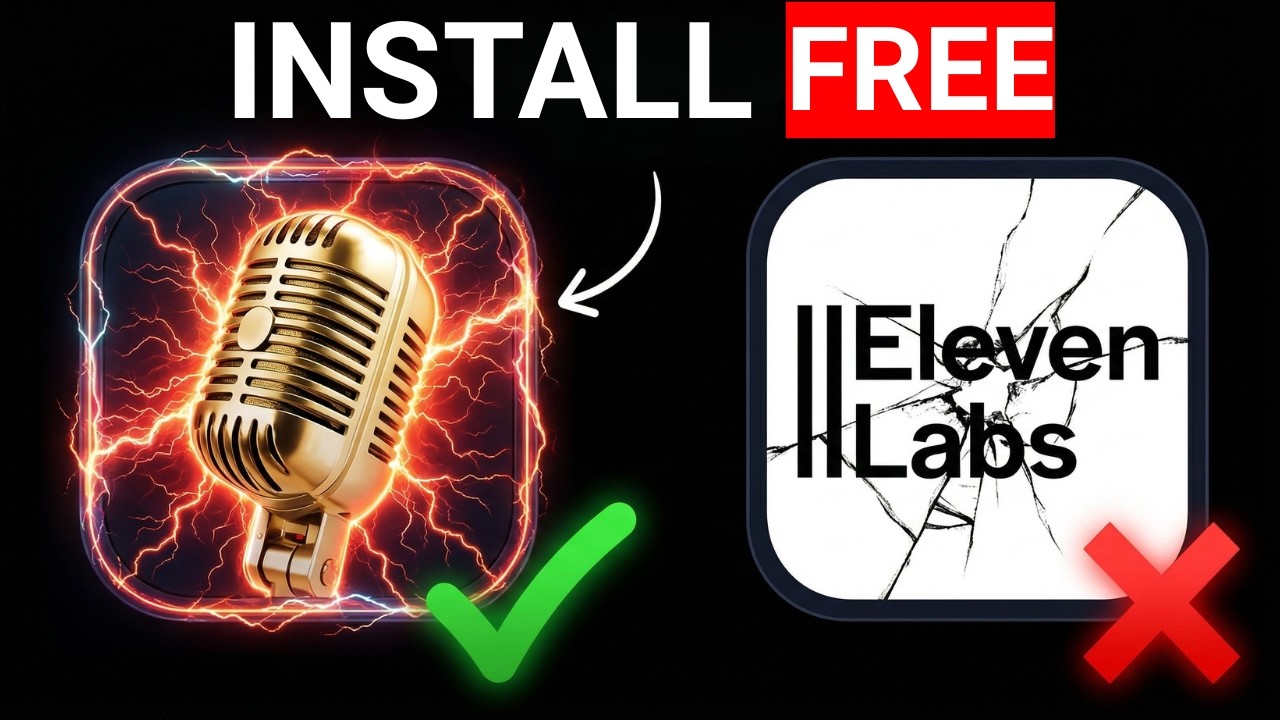
Say Goodbye to Monthly Subscriptions
Hi everyone, I’m Robby! As a software engineer, I love finding ways to run powerful AI tools right on my own computer. Today, I want to show you a tool called VoiceBox.
Most people use big cloud services like ElevenLabs for voice cloning. But did you know you can do it yourself for free? With VoiceBox, you can clone any voice directly on your PC. Your audio never leaves your machine, which means your data stays private, and you don’t have to pay a single cent in fees.
Why Run AI Locally?
When you run AI on your own computer, you are the boss. You don't need an internet connection to work, you don't have to worry about monthly subscriptions, and your voice recordings stay on your hard drive.
How It Works
VoiceBox is a smart system that acts as your personal voice studio. Here is what you can do with it:
- Clone your own voice: Use your microphone to record yourself, and the tool learns how to sound just like you.
- Turn text into speech: Once your voice is cloned, you can type anything, and the computer will say it in your voice.
- Use smart transcription: It uses a tool called Whisper to automatically understand and write down what you say.
- Pick your model size: You can choose between a small model (0.6B) if you have an older computer, or a larger, higher-quality model (1.7B) if you have a powerful machine.
How to Get Started
Setting this up is easier than you might think. Even if you aren't an expert, just follow these steps:
- Download the tool: Visit the VoiceBox website to get the installer for your computer (it works on Mac and Windows).
- Set up your recording: Create your voice clone by recording a short clip with your microphone.
- Fine-tune your style: You can give the AI "style instructions" to make the voice sound happy, excited, or calm.
- Capture other voices: You can even use system audio to clone voices you hear in videos or recordings!
A Quick Tip for Performance
Since this runs on your computer, the speed depends on your hardware. If your computer feels a little slow, stick to the 0.6B model. If you have a brand-new computer with a great graphics card, the 1.7B model will give you amazing, clear results.
Voice cloning technology is moving fast, and being able to run it locally is a huge step forward for privacy and creativity. Give it a try, and if you run into any trouble, just let me know in the comments. I’m happy to help you get your local AI system up and running!