Hi, I'm Robby!
I’m a software engineer, and I love building things with AI. Today, I want to show you how to connect to Google’s powerful AI, Gemini. You don’t need to be a genius to do this—we are going to break it down into simple, bite-sized steps.
What is an API?
Think of an API as a waiter in a restaurant. You are the customer (your computer code), and the kitchen is the AI (Gemini). You give your order to the waiter, the waiter takes it to the kitchen, and then brings your food back to you. An API lets your code talk to Google’s AI models easily.
Step 1: Get Your Free Key
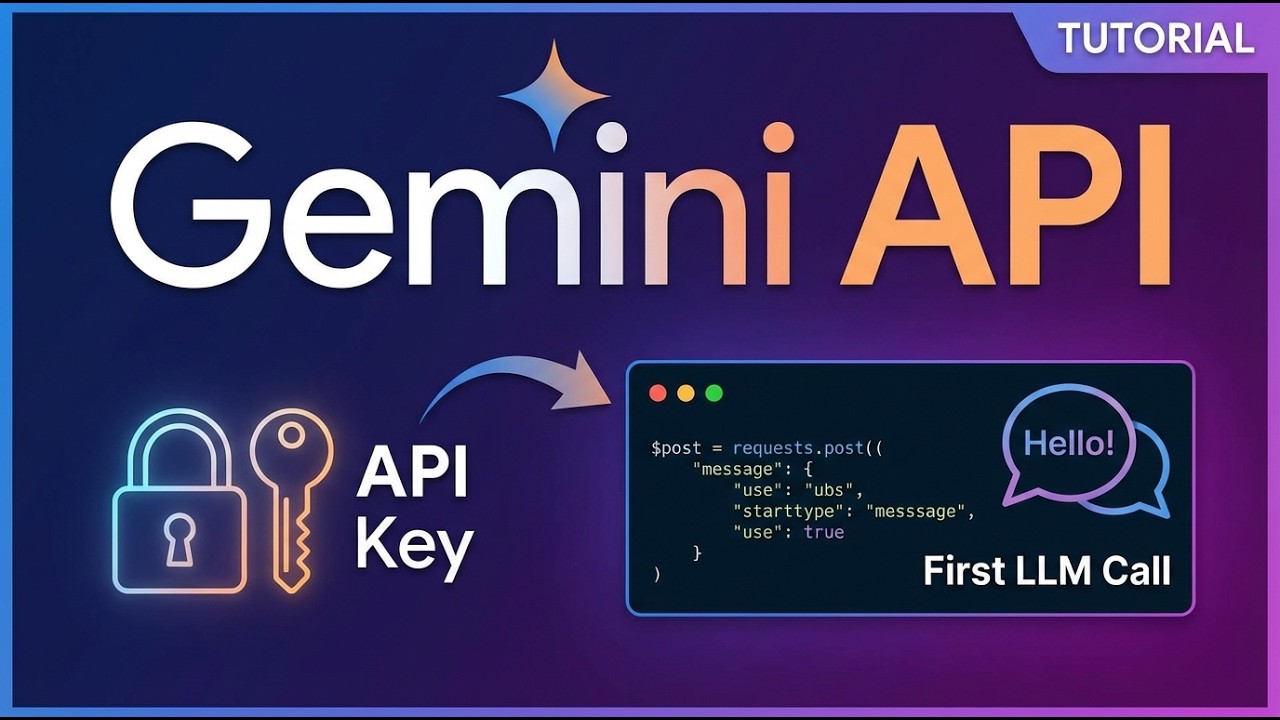
First, you need a secret password to let Google know it’s you asking for help. This is called an API key.
- Go to Google AI Studio.
- Click the button to create a new key.
- Copy that key and keep it safe. Never share it with anyone!
Step 2: Keep Your Secrets Safe
When we write code, we don't want to leave our keys just lying around. We use something called a .env file. Think of this like a little lockbox where we keep our secret password so our code can find it without showing it to the world.
Step 3: Let’s Write Some Code
We’re going to use a tool called Google Colab. It’s like a digital notebook for coding that runs right in your web browser.
We will follow these steps:
- Load your key: We tell our code to open that secret lockbox.
- Setup the AI: We use the OpenAI-style setup to connect to Gemini.
- Send a message: Now, send a test prompt to the AI, like "Hello, how are you today?"
Why use Gemini?
Gemini is one of the smartest AIs out there. By using the API, you can build your own tools, like a chatbot for your homework, an app that summarizes articles, or even a system that helps you write stories.
Want to see the code?
I’ve put all the code for this project in a place where you can copy it and try it yourself. Getting your first AI program running is a huge milestone. Once you get that first "Hello" back from the AI, you’ve officially joined the world of AI engineering!