Hi, I’m Robby!
I’m a software engineer who loves building AI systems. Today, I want to show you how to build something cool: an AI Social Media Manager.
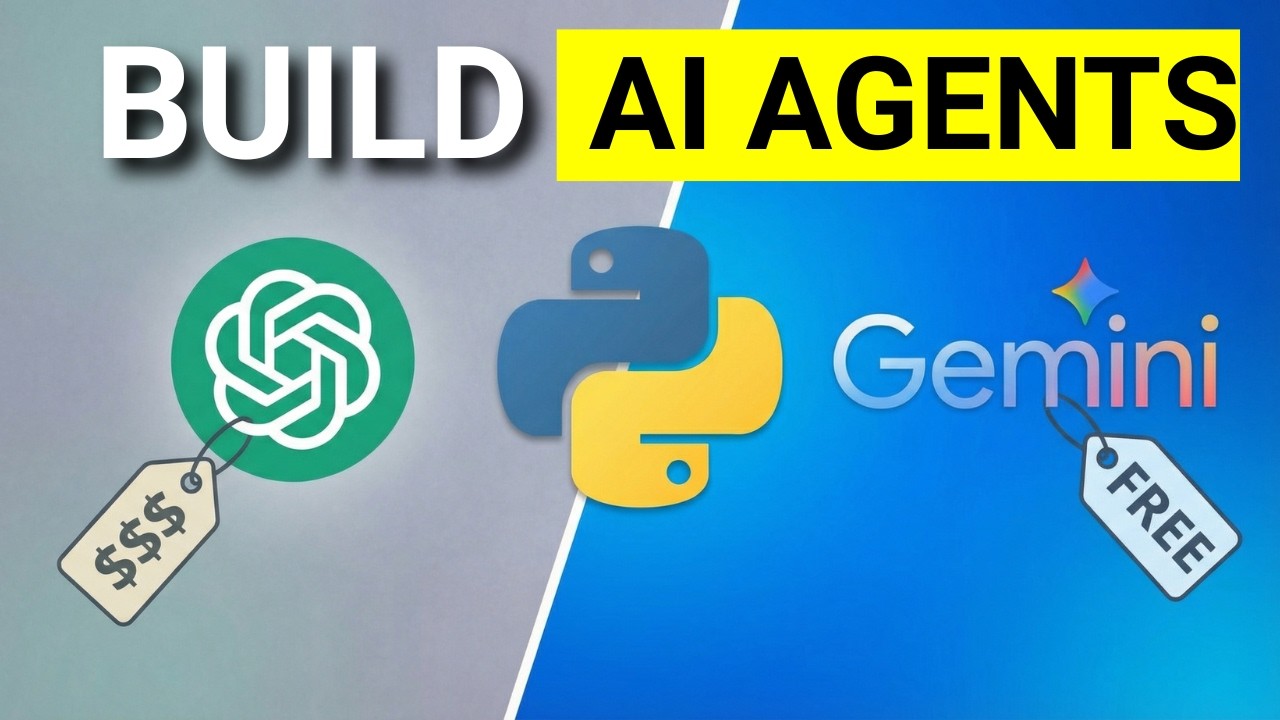
We are going to make an AI that can research people and write personalized messages for you. The best part? We are using Google’s Gemini model, which is free to use!
What is an AI Agent?
Think of an AI agent like a smart assistant. Instead of just answering a question, an agent can "do" things. It can look up info on the internet, write messages, and even fix its own mistakes.
Step 1: Getting Ready
To build this, we’ll use the OpenAI Agents SDK inside Google Colab.
- Set up your keys: We use a
.envfile to keep our API keys safe and secret. - Use Gemini: We will tell our code to use Google’s Gemini model instead of paying for OpenAI's models. This makes it a great project for beginners on a budget.
Step 2: Giving Your AI a Brain
We start by giving our agent "instructions." We tell it: "You are a professional social media manager. Your job is to write helpful messages to people."
Because we use asynchronous code (which is just a fancy way of saying the computer can do two things at once), your agent will run fast and smoothly.
Step 3: Giving Your AI Tools
This is where it gets fun! We can give our agent a "Research Tool."
- Search: Before the agent writes a message, it searches the web for the person you want to talk to.
- Summarize: It reads what it found.
- Write: It writes a perfect, personalized DM based on the research.
By giving the agent a tool, it stops guessing and starts knowing!
Why This Matters
Learning to build "multi-agent" systems (where one agent researches and another writes) is a superpower in the world of programming. You can use this same logic to build apps that help you find jobs, manage your emails, or keep up with news.
Let's Get Coding!
Building AI might sound scary, but it’s just breaking big problems into small steps. Follow the steps in my video, and you’ll have your own AI assistant running in no time. You’ve got this!