Build Your First AI Agent Today
Hi! I’m Robby. I’m a software engineer, and I love building AI systems that actually help people work better. Today, I want to show you how to build a real-world tool: an AI agent that sends motivational posts to your team's Slack channel automatically.
Many people think AI is just for chatting or drawing pictures, but it’s actually a superpower for automation. Let’s get started!
What You Will Need
Before we start coding, make sure you have these three things ready:
- A Google AI Studio Account: This is where we get our "brain" (the Gemini API key).
- A Slack Workspace: You’ll need a place for your bot to post.
- Google Colab: We’ll use this to run our Python code without having to install anything on your computer.
Step 1: Set Up Your Slack App
First, go to the Slack API website and create a new app. Give it a name and choose your workspace. Once that’s done, you need to give it permission to post messages. Look for "OAuth & Permissions" and add the chat:write scope. Finally, install the app to your workspace to get your Bot User OAuth Token.
Step 2: Get Your AI Key
Head over to Google AI Studio. Click "Create API Key." This key is like a secret password that lets your Python code talk to Google’s smart AI models.
Step 3: Connect Everything with Python
In our Google Colab notebook, we will use two main libraries:
google-generativeai: To talk to the Gemini model.slack_sdk: To send the messages to your channel.
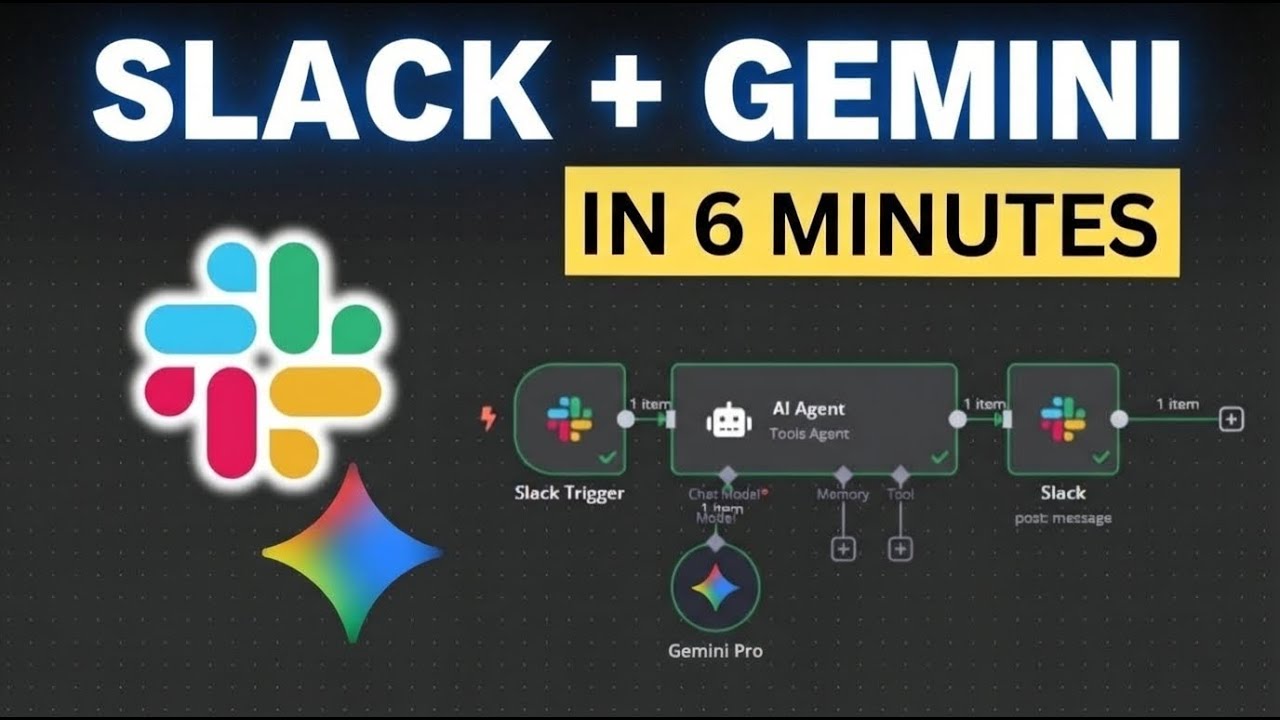
Here is the simple flow of the code:
- Step A: The Python script asks Gemini to "Write a short, fun motivational quote for a software team."
- Step B: The AI sends back the text.
- Step C: The script takes that text and uses the Slack token to "chat.postMessage" to your chosen channel.
Why This Matters
This is more than just a cool demo. Once you learn how to connect an AI model to a platform like Slack, you can build almost anything. Want to summarize emails? You can do that. Want to alert your team when a server is down? You can do that, too.
AI is just another tool in your coding toolbox. Don't be afraid to experiment and break things—that is how I learned to be an engineer!
Wrap Up
Building your first AI agent is a huge milestone. You’ve just connected an LLM to a live platform, which is exactly how enterprise AI systems work behind the scenes.
Feel free to grab the code from the GitHub link and tweak it. Try changing the prompt to make the bot write jokes instead of quotes, or set it up to run on a schedule!