Stop Sending Boring DMs
Hi everyone! I’m Robby. As a software engineer, I love finding ways to use AI to make hard work easier. One of the best ways to grow your network is by reaching out to people for interviews. But let’s be honest: writing custom messages to everyone takes forever.
I decided to take Alex Hormozi’s famous cold outreach strategy and turn it into an AI agent. This tool does the research for you and writes personal messages that actually get responses.
What You Will Build
We are building an "AI Outreach Agent." Instead of you spending hours researching someone, the AI does it for you. It looks up information about the person and writes a message that feels human and genuine.
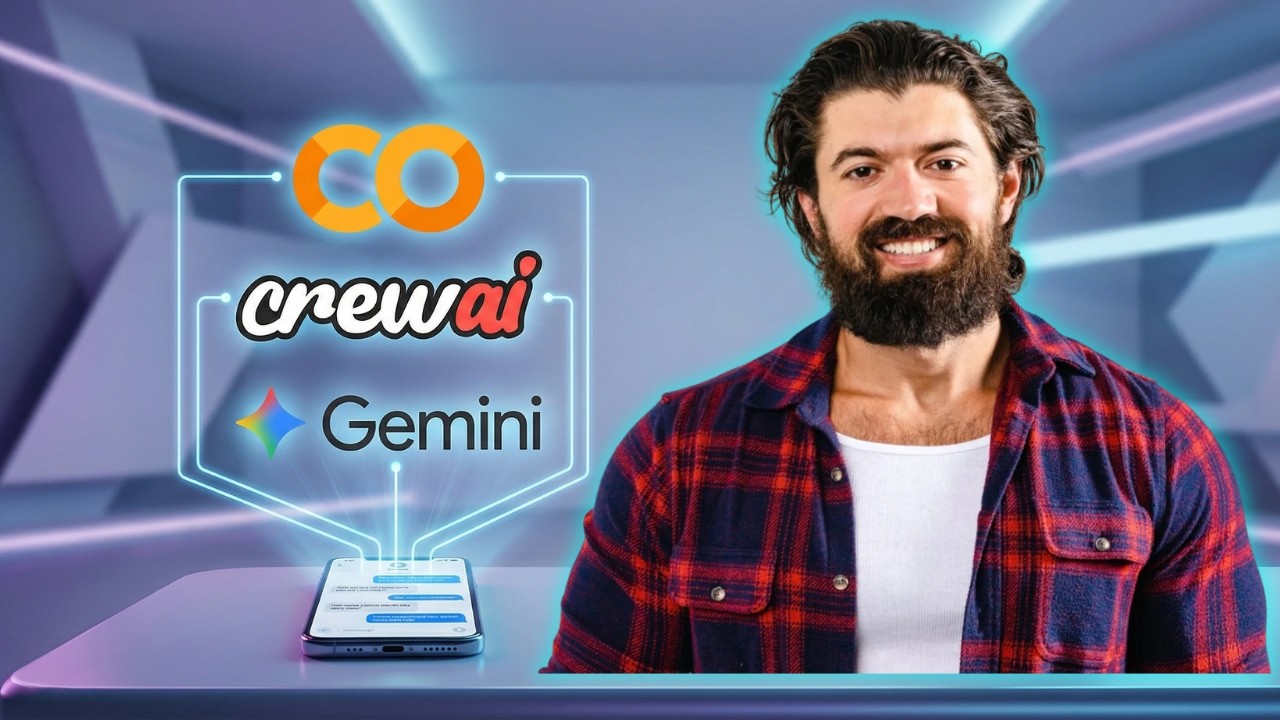
Here is what powers the system:
- Google Gemini: This is the "brain" that writes the messages. It’s free to use!
- Serper.dev: This tool helps the AI search the web to learn about who you are messaging.
- CrewAI: A simple way to organize your AI agents and their tasks.
How to Get Started (No Coding Required!)
You don’t need to install anything on your computer. We are going to run everything right in your web browser using Google Colab. Here is the simple, 3-step process:
- Get Your Keys: You will need a free API key from Google Gemini and Serper.dev. These are free and take just a minute to sign up for.
- Open the Colab Notebook: I’ve put all the code in my GitHub repository. You can open it directly in Google Colab.
- Run the App: Just follow the steps in the notebook to plug in your keys and hit "Run."
Why This Works
Most people send the same "copy-paste" message to everyone. It’s boring and usually gets ignored. My AI agent uses the research it finds online to mention a specific thing the person did or said. That is the "Hormozi Secret": show the other person you actually care about their work.
Ready to Try It?
Setting this up is a great way to practice how AI agents work in the real world. You can customize the agents.yaml and tasks.yaml files in my code to change how the agent talks or who it researches.
Check out the video above to see me walk through every single click. You’ll be sending smarter, faster DMs in no time!