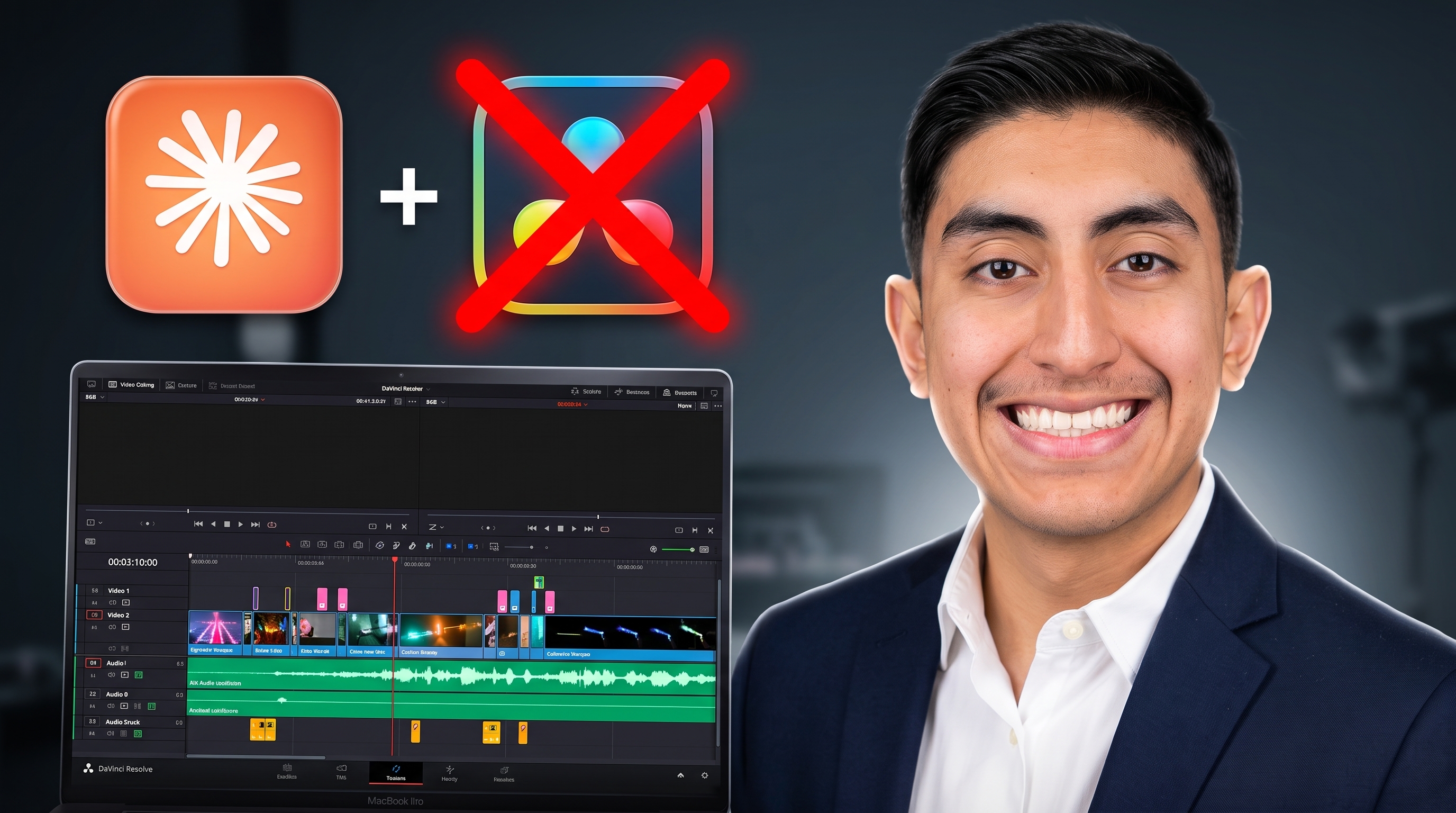
I taught Claude to edit my videos for me. By the end of this post, you can run the exact same skill on your own recordings for free. Here is how it actually works.
The Problem
Say you have five takes of the same line. Four are junk, one is the keeper. Normally you sit there, scrub the timeline, and hunt for the good one. Now multiply that across every line in a video outline. It is slow, boring, and repetitive.
The Idea That Makes It Work
The video outline is the ground truth. I am not asking Claude Code to guess what good audio sounds like. I already know what I meant to say, because I wrote it down in a video outline. So Claude Code takes what I actually said, matches it against what I meant to say, and keeps the best version of each line.
It runs in three steps: transcribe, select the good takes, then cut and polish.
Step 1: Transcription
The important part here is not just the words. It is the timing of the words. You can only cut a word if you know exactly when it happens in the audio, so the transcription has to return timestamps for every word.
For this, I use two models together:
- ElevenLabs Scribe. By far the most accurate, especially on brand names and numbers. Free to start, with a fresh pool of credits every month.
- Parakeet. Completely free, runs fully offline on your own machine with no limits, and your audio never leaves your PC. Its one quirk is it sometimes garbles brand names.
The setup runs on Scribe's free credits first. The moment those run out, it automatically falls back to Parakeet. You get Scribe's accuracy while the free credits last, then Parakeet takes over at zero cost. I tested the entire Hugging Face open ASR leaderboard before landing on this pair: Canary was too slow to be practical, and Whisper Large v3 was good but slow.
It also caches the transcription next to the video, so you never transcribe the same file twice.
Step 2: Take Selection
This is the clever part, and the main reason it beats a normal silence remover. A silence remover cannot cut a botched take, because technically you did say the words. You just said them wrong.
Matching against the script is different. It splits the audio into takes at every pause, matches each take to your script, and keeps the best one. When you flub a line and say it again, the later take wins automatically. Say it again better works every time.
Before it renders anything, it prints exactly what the finished video is going to say, plus the lines you never nailed, so you know if you need to reshoot a line.
Step 3: Making It Sound Human
This is the part that changes everything, and it comes down to two things.
First, every cut snaps to a zero-crossing point in the waveform. No clicks, no pops, no breath sounds caught mid-cut.
Second, and more impactful, it uses L-cuts for transitions: the next audio clip starts slightly before the last one ends, so there is a small overlap between clips. That overlap is what makes it feel edited by a person instead of a machine.
Seeing It in Action
In the video, I run the skill live in a Claude Code session by calling /short-form-edit and pointing it at a raw recording. Claude transcribes it, asks a couple of clarifying questions if anything is ambiguous, and then edits the whole thing.
The before-and-after says it all. The raw take is full of dead air, restarts, and mess-ups. The edited version is tight, the silences are gone, and the L-cut overlaps are there if you know where to look for them, subtle enough that you would never guess it was automated.
One tip if you record your own videos: check your gear before you hit record, not after. I keep a free mic test on this site so you never lose a take to a muted input, and a video file size calculator to figure out how much drive space a recording session will actually need.
Get the Skill
I packaged this entire workflow into a skill and put it in my community for free. No trial, no catch. Grab it, drop the folder into Claude Code or any AI agent, set one API key, and run it on your next video.
Ready to stop scrubbing timelines? Join the AI Academy on Skool and grab the skill.