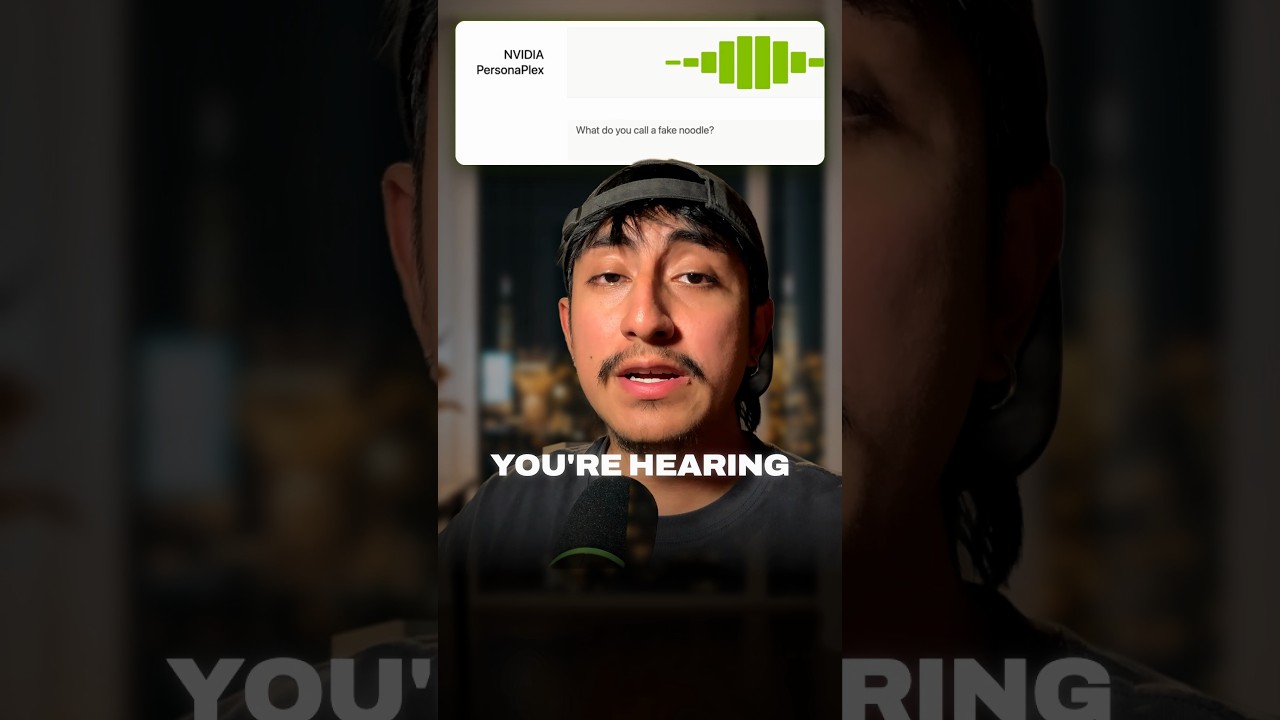
The voice in my Short is not a real person. It is not reading a script, it does not wait for its turn, and nobody recorded a line. In NVIDIA's demo, a researcher asks it "What do you call a fake noodle?" and it answers "An impasta." It even says "Yeah, go ahead" while he is still talking. It is all one AI model: NVIDIA PersonaPlex.
What PersonaPlex is
PersonaPlex is a real time, full duplex speech to speech model. Full duplex means it listens and speaks at the same time, like a phone call, instead of taking strict turns like a walkie talkie. It has 7 billion parameters and builds on Kyutai's Moshi. You control it with two prompts:
- a text role prompt that says who it is and what it knows
- an audio voice prompt that sets how it sounds
Why it sounds so human
Classic voice bots chain three models. NVIDIA's page calls them "ASR→LLM→TTS cascades": one model listens (speech to text), one thinks (a language model), and one talks (text to speech). Every handoff adds delay, and the bot cannot react while you are still talking.
PersonaPlex does all of it in one model, at the same time. That is why it can backchannel. While you tell a story, it drops in "oh okay", "okay" and "yeah, I think they do", the small sounds people make to show they are listening. It also handles interruptions.
The latency numbers
In NVIDIA's own evaluation (the Latency chart on their page and Table 2 of the paper):
| Model | Smooth turn taking | User interruption |
|---|---|---|
| PersonaPlex | 0.170 s | 0.240 s |
| Gemini 2.0 Flash Live (Sep 2025) | 1.301 s | 1.183 s |
So in their tests it answers in 0.17 seconds where Gemini Live took over 1.3. These are NVIDIA's measurements, and the Gemini version they compare against is from September 2025.
Run it yourself in three steps
All three steps come from the GitHub README. Plan on a GPU (the README has a --cpu-offload flag if your GPU memory is short).
Step one: accept the license. Log in to Hugging Face, accept the model license on the personaplex-7b-v1 page, and set your token:
export HF_TOKEN=<YOUR_HUGGINGFACE_TOKEN>
Step two: install. Clone the repo (it had over 11,000 stars when I recorded), install the Opus audio library, and install Moshi from the repo folder:
sudo apt install libopus-dev
pip install moshi/.
Step three: launch. Start the server and open the web UI:
SSL_DIR=$(mktemp -d); python -m moshi.server --ssl "$SSL_DIR"
Then go to localhost:8998, pick one of the 18 voices, and type a role.
The bank demo
NVIDIA's Banking example uses a role prompt that starts "You work for First Neuron Bank". In the recorded call, the customer has a card declined, and the agent finds the problem: "There was a transaction for $1,200 at Home Depot. Your usual location is Seattle, but the transaction was attempted in Miami." It sounds like a real support call, with the overlaps and the "oh no, that's never fun" that a script would never have.
License and limits
- The code is MIT. The weights are under the NVIDIA Open Model License and gated on Hugging Face, so read that license before you put it in a product.
- The model is not brand new. NVIDIA published it in January 2026. It is still one of the most natural open voice models I have heard.
- A voice this real is also a tool for scams. Be careful where you deploy it, and tell callers when they are talking to an AI.
For comparison with the closed models, see my posts on GPT Live full duplex voice in ChatGPT and GPT Realtime 2.1.
Sources: NVIDIA ADLR: PersonaPlex, GitHub: NVIDIA/personaplex, paper on arXiv
Watch the Short above to hear the voice for yourself. If you want the Claude Code skills and workflows I use to automate my content and my business, join the AI Academy community on Skool.