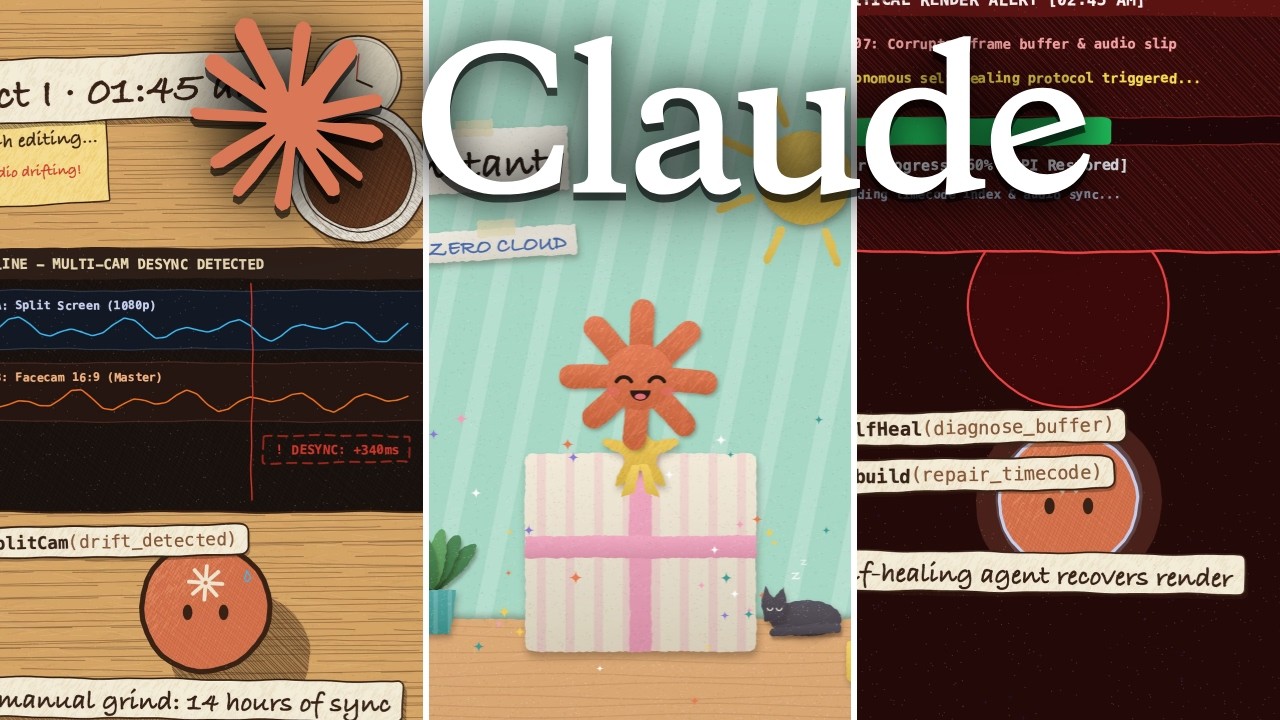
Claude Code can make a full animated video from one prompt. Nobody draws a frame and nobody writes any code. Claude writes the story, draws it in code, makes the music and renders the MP4, all with one free skill called Animate. You can also give it to any AI agent you like.
What Animate is
Animate is a GitHub repo by Chase (cth9191). It is a free Claude Code skill with an MIT license, and it already has more than 1,500 stars.
The whole video lives in one canvas in a single HTML file. The music is made in code too. Then the skill renders the canvas to an MP4 with headless Chromium and ffmpeg. There is no video model in the loop.
Seven styles, or your own
It comes with seven styles:
- cut paper
- crosshatch ink
- riso print
- sketchbook
- a math style in the manim look
- pixel art
- isometric line art
If none of them fit, you can give it references: stills, a video or a web page. It measures the palette, the line weight, the motion and the cut rhythm, draws matching frames next to your references, and saves the style so you can use it again.
Start without an install
The repo gives you an install path. You need Node 18 or newer, Playwright with Chromium, and ffmpeg. Then in Claude Code you add the marketplace with /plugin marketplace add cth9191/animate and install it with /plugin install animate@animate.
But in the video I did not install anything. I copied the repo link, opened a new conversation in my agent, and pasted the link with my request. The agent can use the skill from what it reads at the link. First it researches the link, then it gets anything the skill needs.
My prompt asked it to look at my GitHub repo and make a 30 second demo video for my product, OpenFlow.
The intake questions
Next, the skill asks you questions. This step is part of the skill. It asks only what it cannot guess. In my run it asked four questions:
- Aspect ratio and format. I picked vertical. It also supports wide, square and 4:5.
- Visual style. I picked one of the styles that I had not tried yet.
- Audio approach and pacing. I wanted it fast paced.
- Real assets. It offered to show the features with real screenshots and the app icon, and I said yes.
Three checks before it animates
This is the smart part. Before it animates anything, the skill asks you to approve three cheap things: the story, the look and the storyboard. A change at these steps costs almost nothing, because nothing is drawn yet.
The story check is a numbered beat table that describes what happens in the story. It also shows the format it picked and why, the length and the tempo. Every fact that goes on screen gets a web search and a source. In the video I approved it as it was, to keep things moving.
The look check shows a few full size frames before it builds the whole thing.
The storyboard shows every beat as a key frame. You give each panel a thumbs up or down by its number, and it redraws the ones you reject.
Build, render and review
Then it builds. It makes one HTML file, renders it frame by frame to an MP4, and checks its own work. The review measures the result and reports numbers, not "looks good":
- cuts that land on the beat
- text that is cut off or overlaps
- loudness for a phone (-14 LUFS)
- the loudest moment coming after the silence
When you give it your own music, it maps the beats of the track first, so the cuts land on the beat and the big moment lands on the loudest hit. One piece can come out in several shapes, and it lays out each shape again instead of cropping.
The result
The finished video was about my product, OpenFlow. It explains what the app does and how to use it. I really like the graphics and the animation. It is cute and has an old school Game Boy video game vibe.
OpenFlow is my free dictation app for Mac. If you want to know what the video is about, see OpenFlow, the free, open source Wispr Flow alternative for Mac.
Limits to know
- Short pieces only. It is made for 20 to 60 seconds, not long form.
- Claude cannot hear the score. Listen to the music yourself before you post.
- Some styles are less proven. The repo itself says that cut paper and crosshatch have carried the most pieces. Riso, sketchbook, math, pixel and isometric have carried zero to two pieces each. Start with cut paper or crosshatch.
- Voice over costs money. If you add a voice over with ElevenLabs, it costs about one credit per character.
More free skills
I make videos on free skills all the time: for content, animation, editing, voice transcription and more. For another one that changes what Claude Code builds, see Hallmark, the free skill that stops Claude Code building AI slop.
Sources: Animate on GitHub, OpenFlow
Watch the video above for the full demo. If you want to build your own AI tools and apps with Claude Code, join the AI Academy community on Skool, where I share the Claude Code skills and workflows I use to automate my content and my business.